
- AI
- A
Talking Fox, Ivanhoe and a Bit of Optical Flow
“Tell us a story, Dad…” “Oh, when would I have time to tell you stories? I have so much work. Better listen to an audiobook.” “Audiobooks are boring. If only the fox could read them to us… or Ivanhoe, or Mary Poppins. But for now, just sit and listen…”
This is roughly how it all started.
The task seemed simple: take a picture of a character, take audio — and get a video where the character speaks. The technology must exist; we live in the age of artificial intelligence, ChatGPT draws kittens and writes dissertations.
The technology existed. But it worked ten times slower than real-time. On a gaming graphics card.
Problem one: neural networks are slow
Wav2Lip, SadTalker, FasterLivePortrait — all these are great tools. Serious models, years of research, impressive demos. But when it comes to practice, several unpleasant things come to light.
GPU is essential. Without it — a slideshow. With it — still lagging: ten seconds of processing for one second of video. We wanted to render audiobooks in real-time, but ended up with a queue for the render farm.
Aside from speed — there are artifacts. The neural network imagines lip movements. Sometimes it imagines them oddly: soapy lips, floating teeth, a face that seems a bit off. The model doesn’t know exactly how this character moves their mouth — it hallucinates plausibly but not accurately.
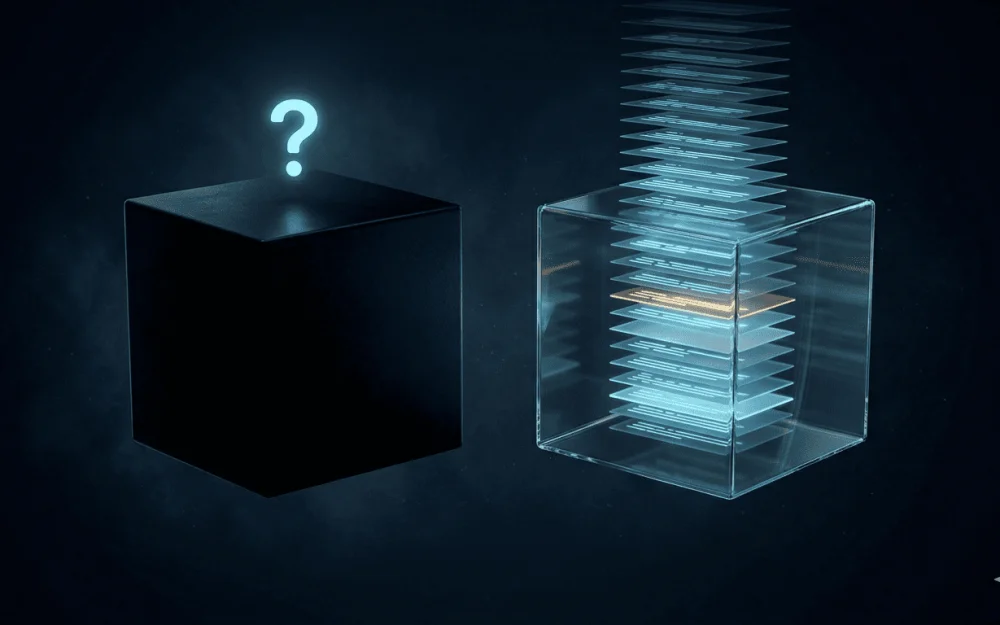
And then the thought arose: why should we generate facial expressions every time? What if we record them once — even if slowly, even with a GPU — and then reproduce them quickly?
A gramophone instead of a synthesizer.
A synthesizer can play any note at any moment — but sounds synthetic. A gramophone reproduces what a live performer recorded — and sounds alive because that’s how it is.
How it works
We film a person on video — a few minutes of speech, preferably phonetically diverse, to cover all the main sounds of the language. We cut the video into short overlapping segments: ten frames, ~0.4 seconds, stepping two frames. For each segment, we compute acoustic features of the audio — a 16-dimensional vector: MFCC coefficients, energy, spectral centroid.
This creates a library: this piece of video corresponds to this sound.
When rendering a new audio track, we simply search for suitable pieces in this library and stitch them together. No inference. No weights. A person always looks like a person — because we show a real person, not a neural network's fantasy about them.
Problem two: sometimes the person is absent
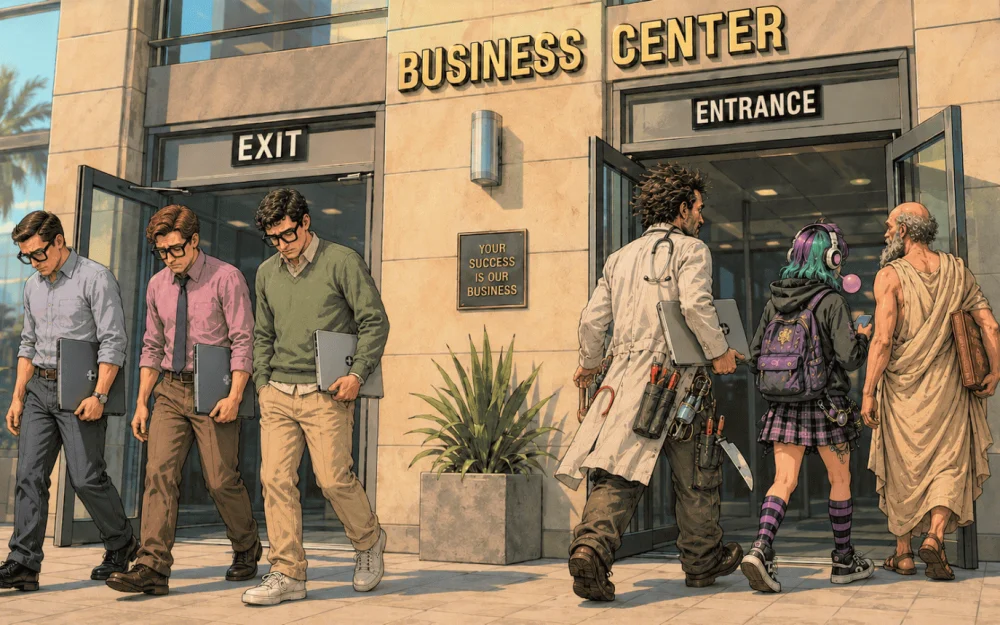
The little fox from the children’s book cannot come to the shoot. Ivanhoe is also unavailable — he is a character from a two-hundred-year-old novel. And the client needs him specifically, not an actor in knight's armor.
This is where FasterLivePortrait comes into play — and in a completely different role. Not as a rendering tool (it's too slow for that, we remember), but as a data preparation tool.
We take an image of the character. We run FLP — it generates a video where the character speaks specially selected text: phonetically diverse, covering all the main sounds. Yes, this takes time. Yes, it requires a GPU. But this happens once.
Then — the same pipeline: we segment it, compute features, build a library. And we render any number of videos with any audio without any GPU.
FLP here is not a crutch or a contradiction. It is a provider of training data. Slow, expensive, but one-time.
The little fox reads about the three little pigs. Ivanhoe talks about tournaments. Chingachgook — about the prairies. Each with their own face, their own expression. It's enough for the face to be anthropomorphic — eyes, nose, mouth more or less in their places. Completely abstract characters do not work yet, but little foxes from children's books are quite fine.
How to stitch pieces together so that there are no seams
This is the main technical problem. Two pieces of video, selected from different places in the library, can differ significantly in the position of the face at the seam. Naive stitching produces a jump.
Choosing a candidate
First — choose the right piece. The planner looks ahead for two seconds, takes the average of future acoustic features, and searches for a segment for future phonetics — not for the current one. This lookahead noticeably improves synchronization: the segment is selected based on what will sound, not on what has already sounded.
From the entire library, we take the top 20 based on acoustic similarity. Then we choose the best splice: each segment stores thumbnails of the first and last frame (64×64 pixels). We calculate the pixel distance between the end of the current segment and the beginning of each of the twenty candidates. We take the closest one. Fast — no full frames, just tiny images.
Morph through Optical Flow
Even the best candidate will give a slight jerk. Between segments, we build a transition using a bidirectional Farneback flow:
flow_AB = Farneback(last_frame_A, first_frame_B)
flow_BA = Farneback(first_frame_B, last_frame_A)
for t in [0, 1/N, 2/N, ...]:    warped_A = remap(A, flow_AB * t)    warped_B = remap(B, flow_BA * (1-t))    output   = blend(warped_A, warped_B, t)
Why bidirectional? A simple crossfade blurs — pixels in the middle of the transition literally average out, resulting in a mush. The bidirectional flow moves each pixel along a trajectory from A to B and simultaneously from B to A, and then blends. The transition looks like movement, not like dissolving.
The length of the morph is adaptive: the more different the frames are, the longer the transition, from 5 to 12 frames. The planner minimizes the difference, so most transitions fit within 5–7 frames and are almost imperceptible.
What to Do in Silence
The character is silent, and we need to show something. A random segment from the speech library — the mouth will move silently, spooky. Freezing the last frame is unnatural.
The solution: a separate library for pauses. When building the model, we generate a short video where only the eyes are animated — blinking, gaze movements, the mouth is closed. During pauses, the character switches to these segments and just blinks naturally.
Why This Works on CPU
Each step is deliberately chosen to not require a GPU:
Cosine search over thousands of segments — multiplying 16-dimensional vectors, instantaneously
Selecting the best splice — MAD over 20 images 64×64, ~80 thousand operations
Farneback optical flow — a classic CV algorithm, OpenCV computes on CPU without issues
JPEG decoding and remap — pixel operations
The heaviest part is precomputing optical flows between all neighboring frames — this can be moved to a separate model preparation stage. Then the render just applies the prepared maps.
Result: real time, ordinary laptop, no GPU needed.
Instead of conclusions
Two problems — one solution.
Neural networks are slow? We record the mimic once, reproduce quickly. No person? FasterLivePortrait generates a training video from a picture — once, slowly, with GPU. After that, the same fast retrieval.
Retrieval instead of generation. A gramophone instead of a synthesizer.
The fox reads fairy tales. The children are happy. Dad can return to work.


Write comment