- Security
- A
Cloud Hosting Can Unknowingly Delete Files from HDD
When using cloud hosting like OneDrive or Google Drive, backup is usually expected. It seems logical that cloud backup should enhance information security by making file duplicates. Unfortunately, this is not always the case. After uploading to the cloud, files can be deleted from the computer, which can come as a surprise.
The issue is described by one of the affected individuals named Jason Pargin:
At some point, the system updates and starts using OneDrive, and the user is not given any simple warning or option to opt-out; cloud hosting just turns on. Then they notice that the OS is secretly uploading all the files from the computer to Microsoft servers. Some may only realize this because they have a slow or limited internet connection… or because OneDrive is running out of space… Then the person will look for how to disable OneDrive backup. At that point, they will discover that files from their computer are gone. Everything has been deleted. And on the desktop, a clean desktop, there will be one small icon with the audacious label "Where are my files."
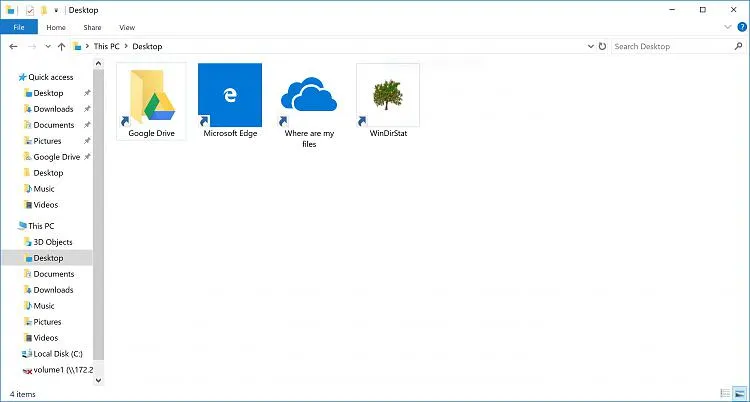
The system does not adequately explain the new behavior after the update—or the UI designers intentionally chose not to explain it to avoid complicating the transition to the cloud service.
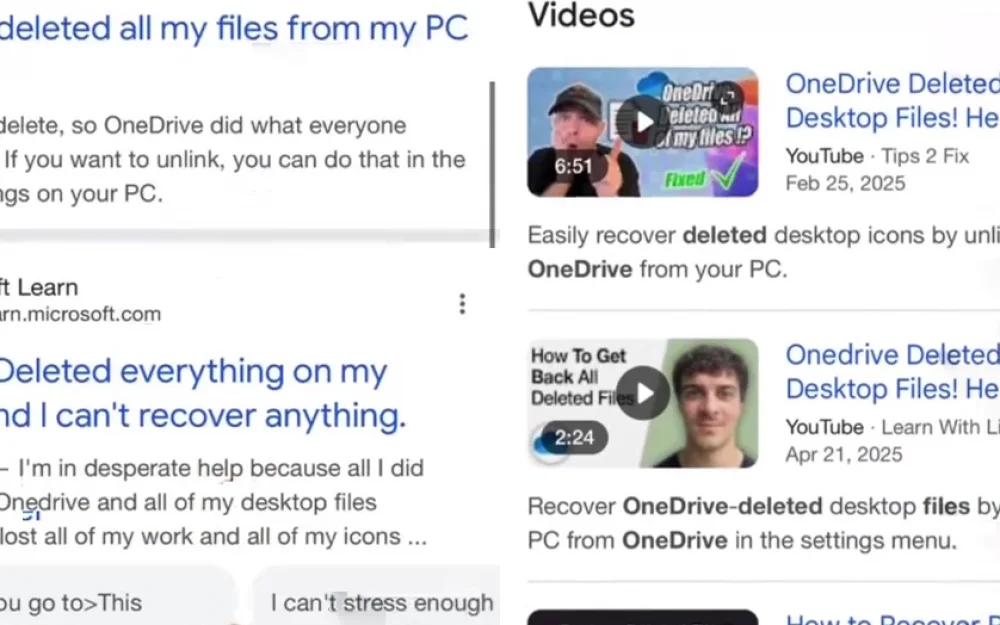
Another "misunderstanding" arises if the user selects the option to download their files back, but then chooses to delete the cloud copy; the files will be removed from the HDD again. In such a case, not a single instance of the files will remain, according to Pargin's account. Similar complaints can be found on Reddit and in the Microsoft Learn online support center.
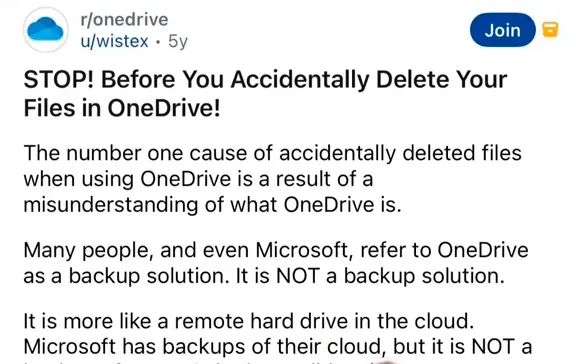
Forums explain that cloud hosting is not a backup system but rather a "remote disk":
Dark Patterns?
On one hand, such behavior of software can be considered an example of dark patterns, meaning "deceptive" UI tricks. Such tricks are often used in modern web services that try to manipulate users.
Other dark patterns listed on the Deceptive Patterns website include:
Confirmshaming: emotional manipulation of the user to make a certain choice
Disguised advertising
False urgency: pushing to take action under the pretense of urgency
Difficulty of cancellation
Constant reminders
Pre-selected options
Clever wording
Visual distractions
Perhaps the use of some of these tricks is one of the reasons why the market share of Windows has been declining lately (−9.2 percentage points over the year), while the share of Linux is growing.
On the other hand, users simply do not understand what a remote disk is and how it works. It is not a backup system, but rather a "remote disk" in the literal sense. Then we are not dealing with dark patterns at all, but ordinary misunderstanding (insufficient technical literacy of users).
OneDrive Client for Linux
Note. Interestingly, there is an open-source OneDrive client for Linux, so Microsoft’s cloud hosting can be used on Linux.
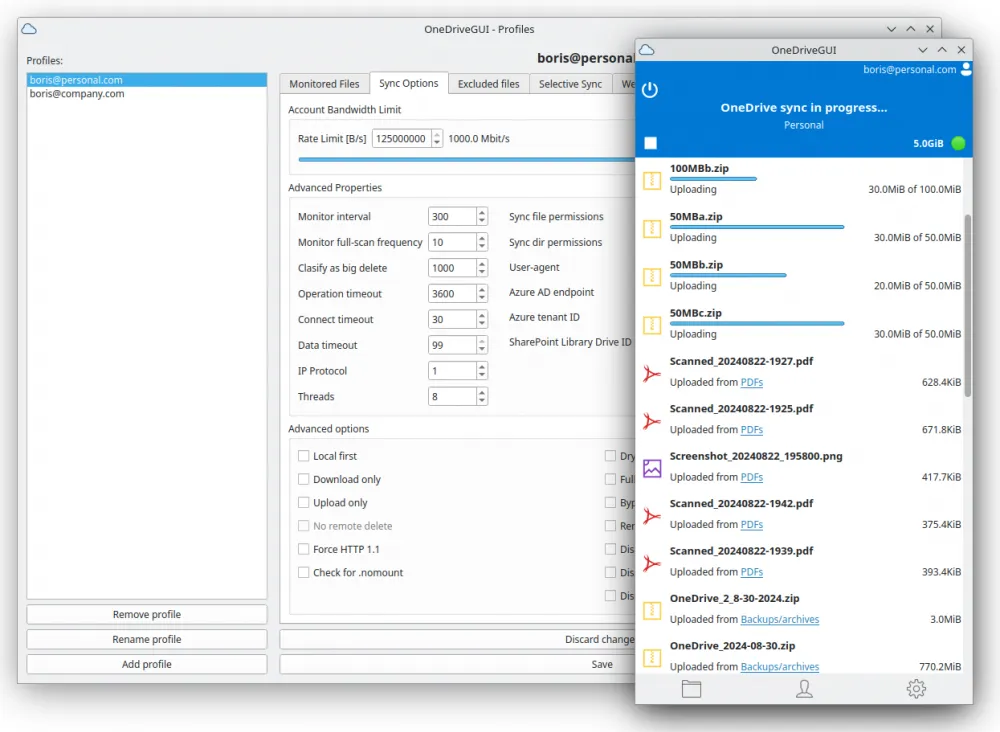
This is a fully functional, free, and actively supported OneDrive client that supports OneDrive Personal, OneDrive for Business, Microsoft 365 (formerly Office 365), and SharePoint document libraries.
The program works on all major Linux distributions and FreeBSD. It can also be deployed in Docker or Podman containers. The program supports one-way and two-way synchronization modes, providing secure and efficient file synchronization with OneDrive services—adapted for both desktops and servers.
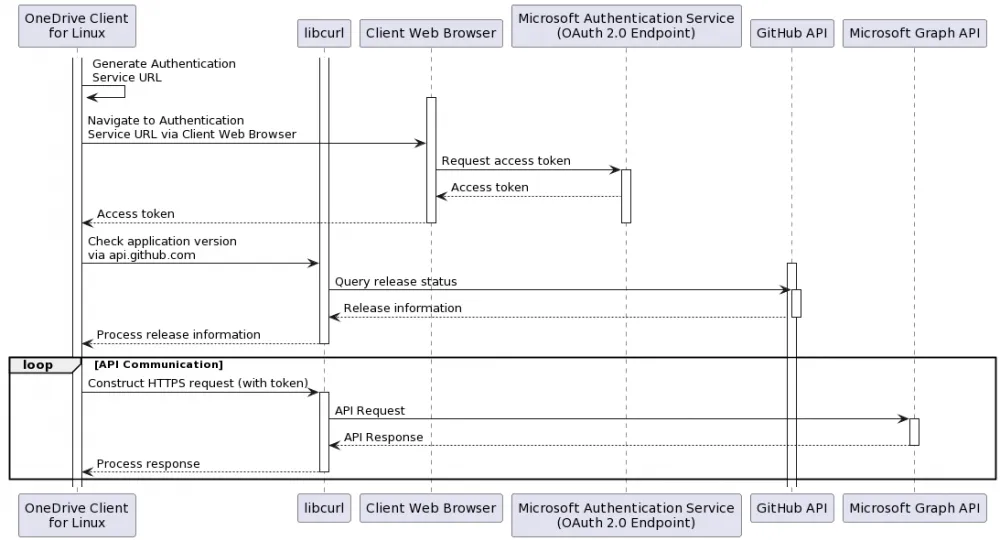
The diagram shows that regardless of the operating mode, the system goes through the following steps:
Requesting the OneDrive API for changed items (/delta) with processing of each item, including handling new items, changes, and deletions.
Checking the database consistency, which may take significant time depending on the volume of data.
Traversing the file system to upload changes and new local files.
In --synchronize mode, the application will display the message "Synchronization with OneDrive completed" and exit.
In --monitor mode, the client will wait according to the 'monitor_interval' value (default 300 seconds) before returning to the beginning. During this waiting period, it processes any local events in real-time (addition, modification, deletion).
In a certain sense, the client on Linux is much more functional than the standard client on Windows.







Write comment