
- Software
- A
Not Just TheBat! Popular Email Clients in 2026
Recently, I recalled TheBat! — the legendary email client that has come a long way and continues to delight its users. However, time does not stand still, and many interesting programs and services have emerged that not everyone knows about.
In this article, I will look at each of the email clients mentioned in the comments and try to understand whether they can be compared to "the ground". And no matter how much the blog editor begged me, there will be nothing about Outlook — everyone already knows about it. In the meantime, treat yourself to a small gastronomic journey in the UK: pour some tea and spread a thin layer of butter and Marmite on your toast. Enjoy your appetite reading.
Thunderbird / Betterbird
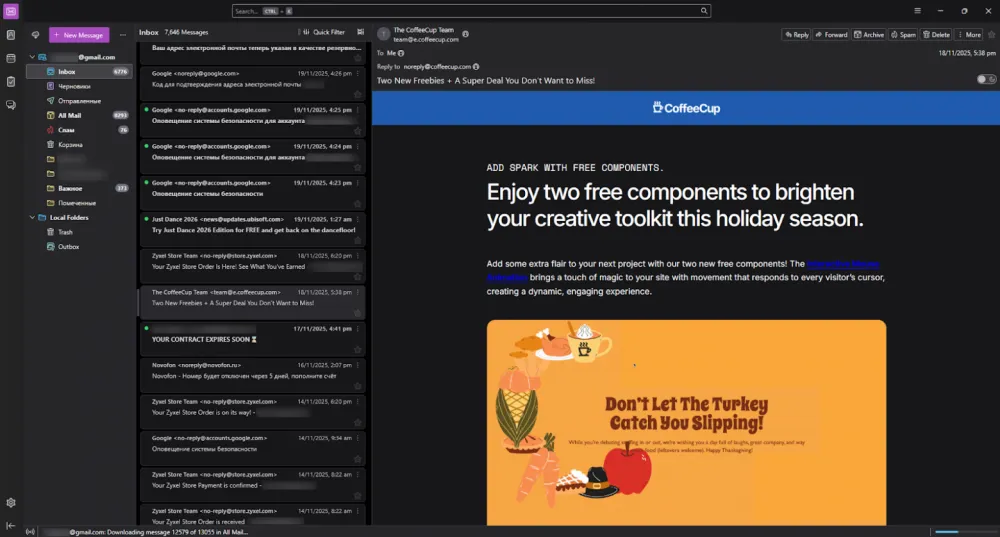
I would like to start my story with the most well-known free email client Mozilla Thunderbird. I have always been curious why it has such a strange name, which literally translates to Russian as "thunderbird". After making a few search queries, I understood why this name was chosen.
It is worth remembering that Mozilla grew out of the huge corporate monster Netscape, whose main product was the Navigator browser. Bureaucracy, closed-mindedness, and conservatism — all these qualities remained an integral part of the company for a long time. But in 1998, an event occurred that can be compared to a controlled demolition of a building. Netscape decided to open the source code of its browser, and at that time, no one could have predicted the consequences of such a step.
This marked the beginning for Mozilla (shortened from Mosaic Godzilla) as an independent project. The open code provided freedom, but it was, to put it mildly, far from ideal. So much so that the team decided to completely throw out the engine code and write their own from scratch (Gecko). A bold but justified move, even though it effectively set them back years.
At the same time, the company is undergoing a process of denying all corporate values and habits. Code names for products are chosen to be as lively as possible. This led to the creation of Mozilla Phoenix, which was intended to be renamed Firebird, but due to legal issues, it became Firefox. There was also the Mozilla Sunbird calendar, the SeaMonkey suite of internet applications, and the Camino browser (which means "path" in Spanish). The email client was named in a similar style.
Among the strong points, one should note cross-platform compatibility, free availability, and extensibility through add-ons. On the other hand, a questionable aspect is the existence of a paid subscription Thunderbird Pro that comes with a set of cloud services: Thundermail (email hosting), Appointment (scheduler), and Send (encrypted file transfer). It is, of course, presented solely as an optional service, but still. Nevertheless, the desktop and mobile versions remain free for personal and commercial use.
There is a rather useful fork called Betterbird, which positions itself as a well-tuned version of Thunderbird. It features convenient tabs, advanced search (global, including in encrypted PGP/SMIME messages). A bonus is the creators' principled stance: no telemetry or crash reports are sent. In other respects, the differences are not too significant:
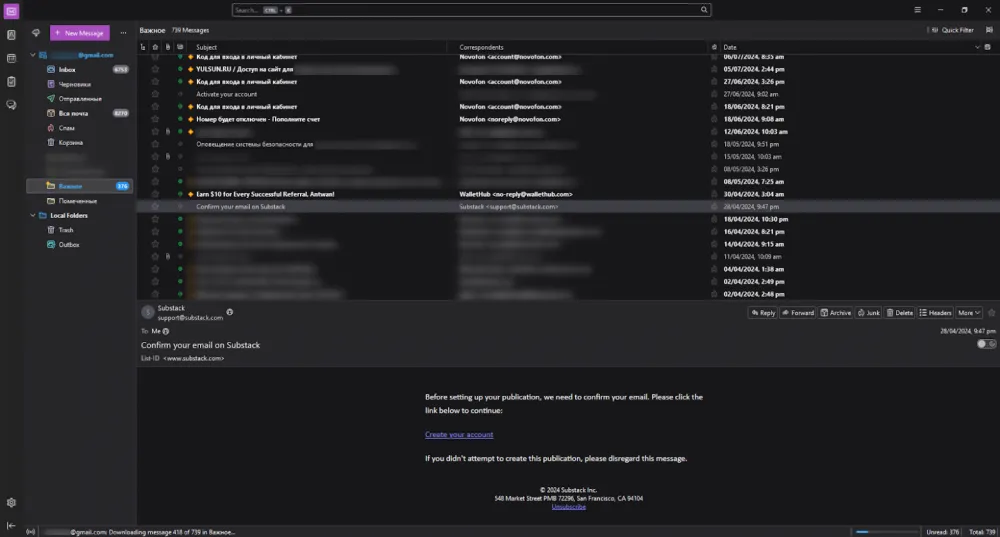
An undeniable advantage is that both of these clients can be installed together, but it is better to separate them into different profiles through Profile Manager right away to avoid cross-effects. This will allow one to evaluate the convenience of each if necessary and make an informed choice. Personally, the original Thunderbird seemed somewhat more convenient to me, and it can be quite compared to TheBat! in terms of capabilities.
KMail
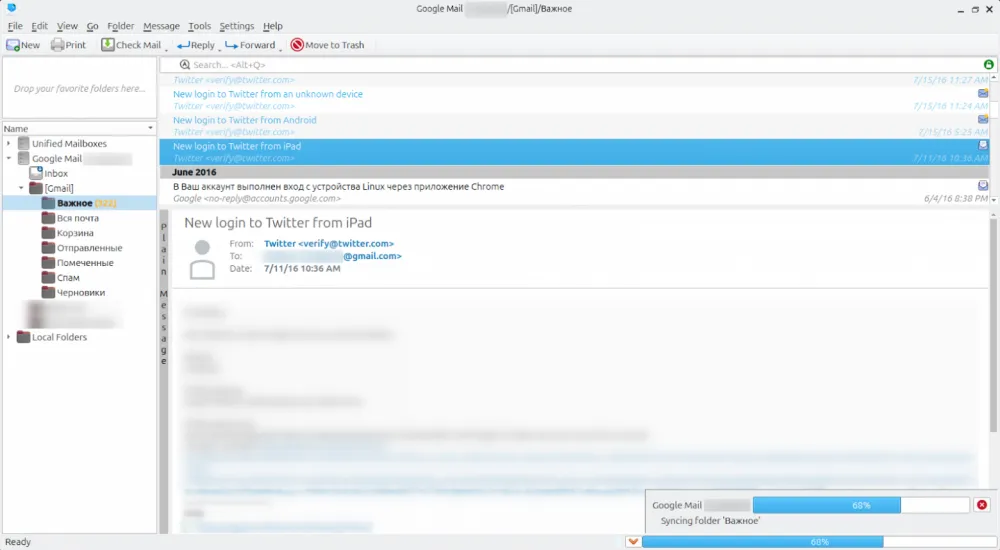
Fans of the KDE ecosystem, of course, remembered their beloved KMail. It is indeed an interesting mail client, having tight integration with calendars and contacts (KOrganizer and KAddressBook). Everything here is built on a common solution — Akonadi, a framework and at the same time a centralized storage for PIM applications.
All the responsibility for receiving and forwarding data falls on Akonadi, while other participants in the ecosystem interact with it via the API. This has made development simpler, and the unified index and offline cache for PIM data (contacts, calendars, email, notes, and others) help to search for the necessary information efficiently and quickly.
In addition, KMail has a number of advantages, such as automatic removal of advertisements and tracking codes, and the composer shows the trust level and validity of OpenPGP keys. Additionally, the email client is keeping up with the times by gradually implementing AI features, particularly text translation using the Bergamot model. However, all of this is turned off by default and can only be activated by the user if desired (in the settings).
My personal impression is that it's powerful and convenient, but I didn't like its design and the fact that it cannot be used natively on Windows. It is essentially part of another ecosystem originally built on Linux. Nevertheless, WSL2 has not been canceled, and traditional virtualization is also an option. Unfortunately, there is no mobile application available here.
eM Client
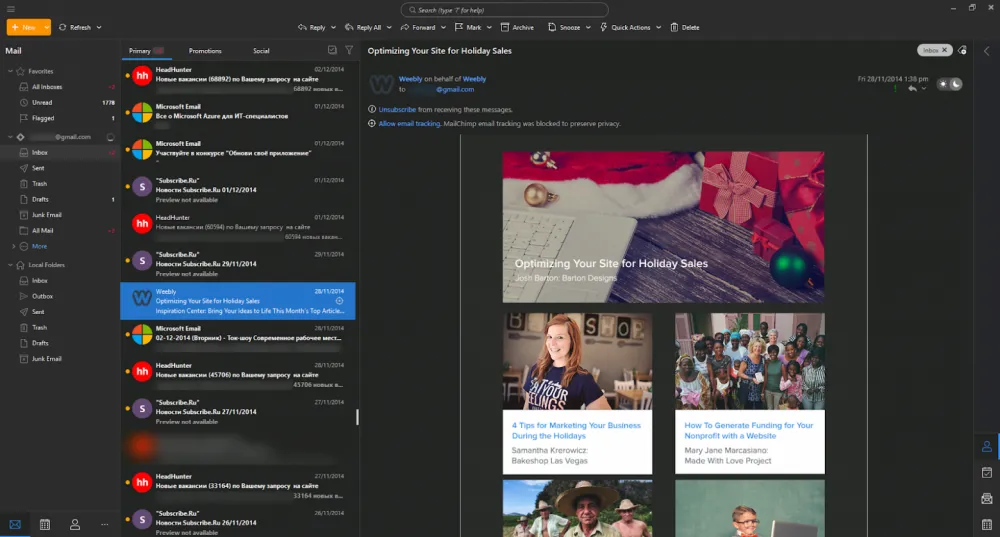
Let's move away from open-source solutions and look at commercial products. The first of these is the namesake creation of the Czech company eM Client s.r.o. This email client, or rather a complete PIM suite, was developed for use in corporate environments as a potential replacement for Outlook. For this audience, rare features such as full support for server-side rules and server-side search are extremely important.
For simple users, there is a completely free version of the application, which is limited to two accounts and strictly non-commercial use. During the download process, you will be prompted to receive the corresponding key via email. It works great in EU countries, but there may be nuances in Russia that can be easily bypassed.
I liked the program's design: it's not overloaded with details and is very functional at the same time. The appearance can be selected at the very first stage:
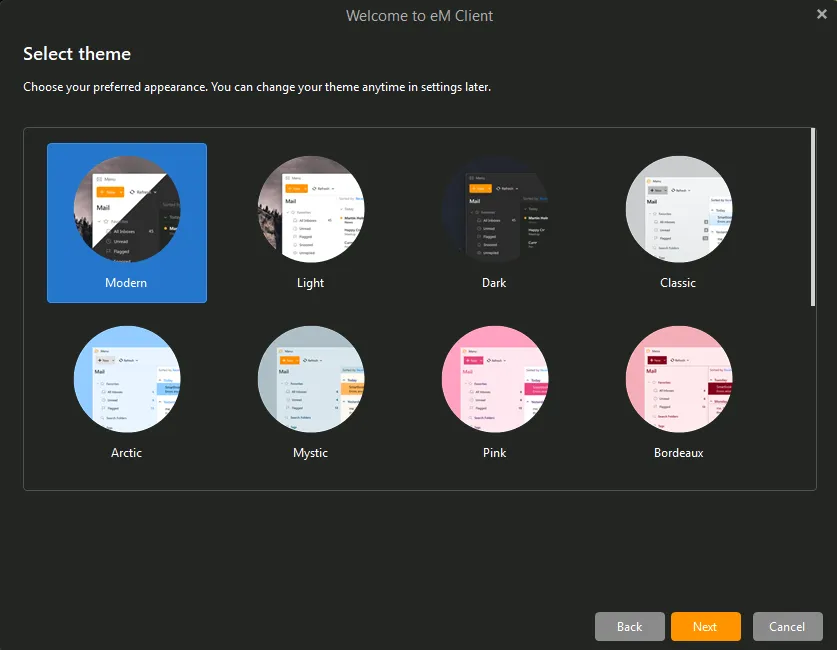
No problems or difficulties with account synchronization were observed. The app has free versions for iOS and Android. The creators provided convenient data import from apps and simply separate archives with mail:
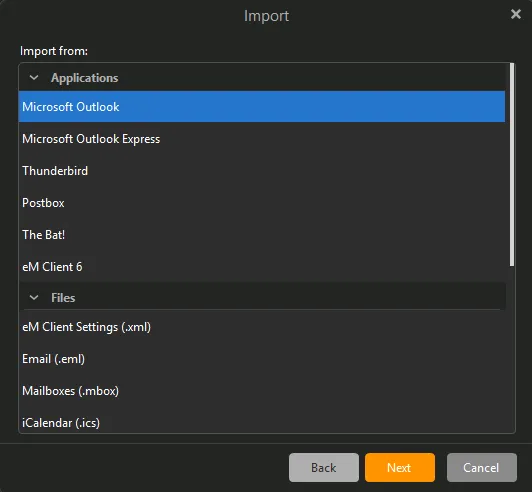
Exporting emails and settings ensures ease of data transfer within the corporate ecosystem, making this option very good and well-suited for those who need Outlook but with more convenient management and excellent compatibility.
Spark Mail
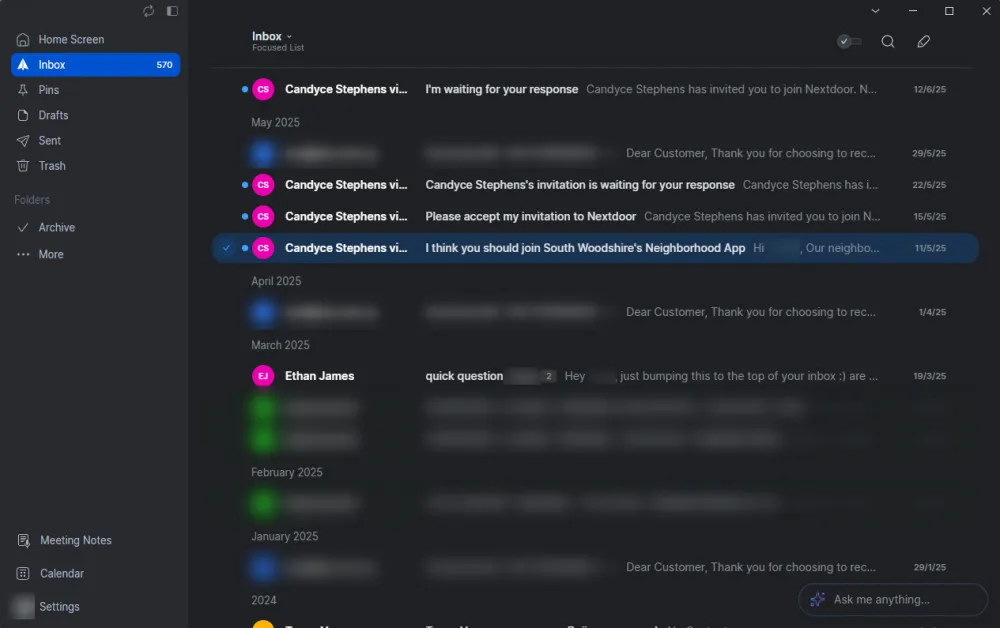
If all the previous clients focused on simply giving users the ability to gather and process mail, Spark Mail is different. It is specifically designed for managing attention in inboxes with thousands of emails. The first launch of the app will prompt you to decide how you will manage order.
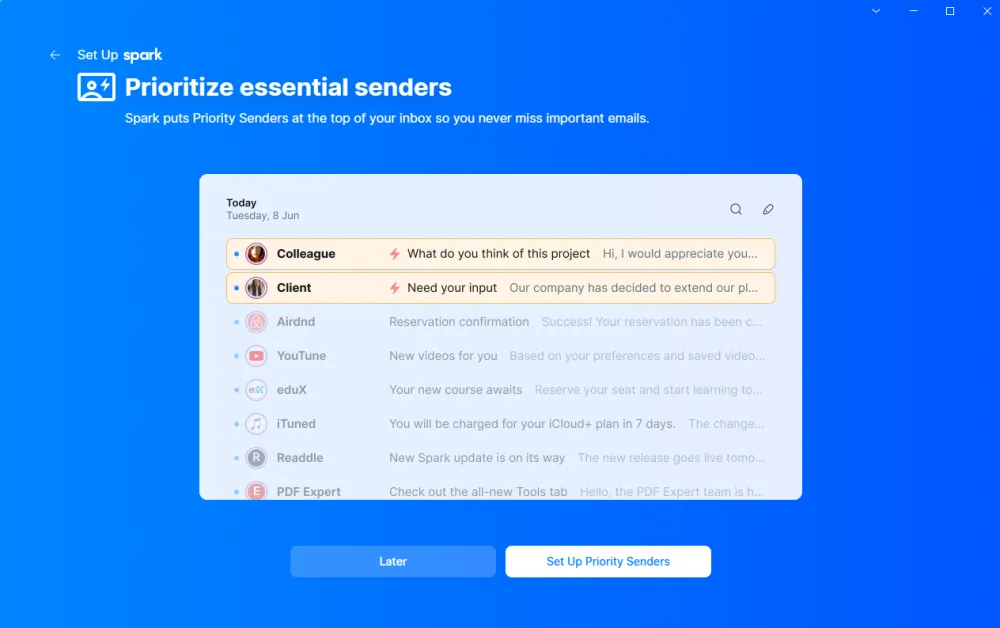
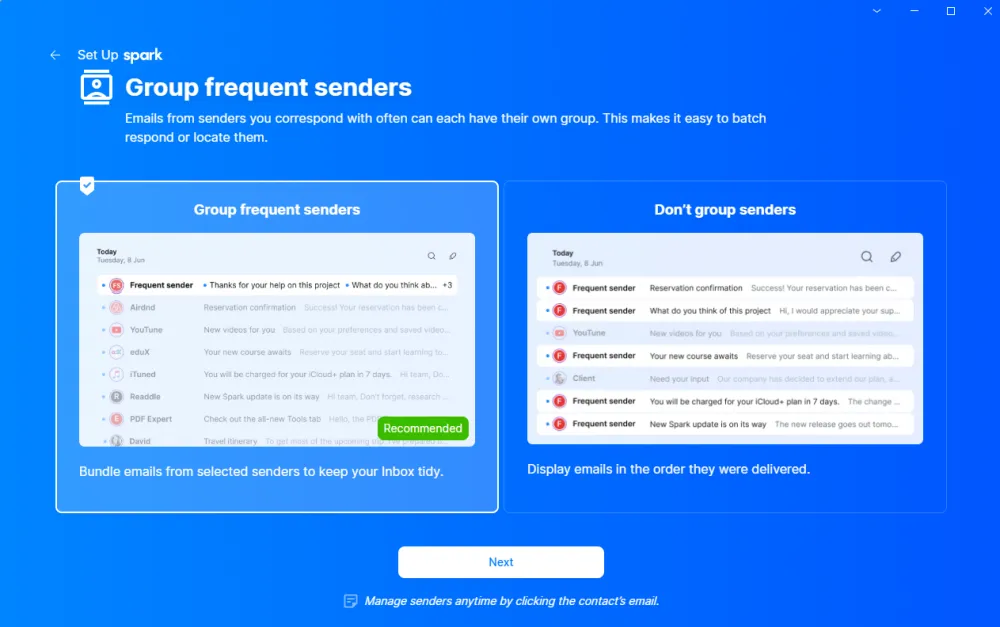
You will be able to choose a list of senders whose emails will be prioritized and shown first:
Grouping emails will save you a lot of time, but only if you want it:
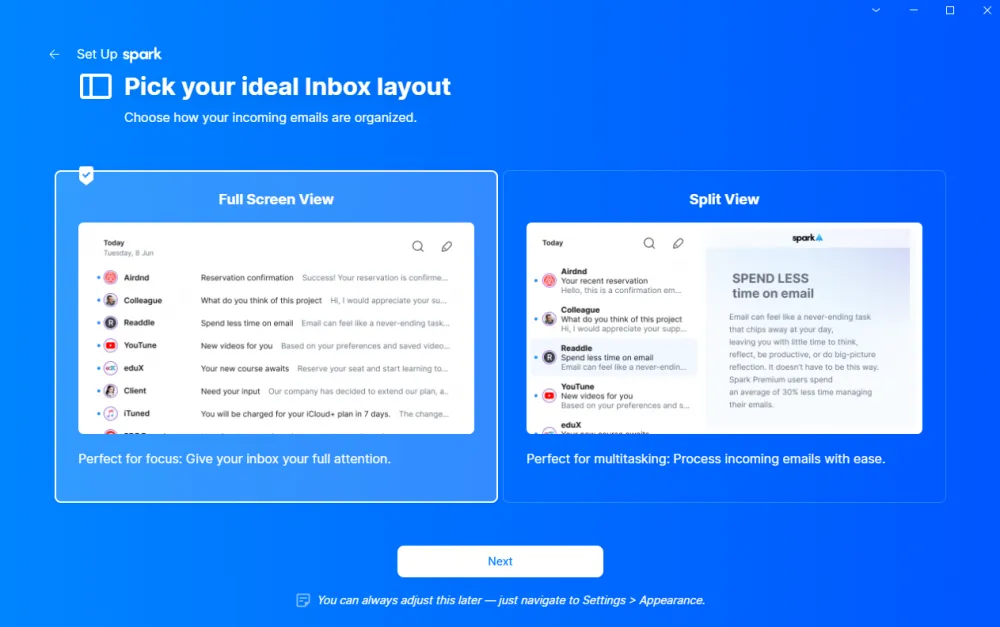
In general, here you can immediately let the app know which mode you prefer to work in: multitasking with direct display of the email content or in a mode where emails open one at a time, showing only senders and subjects in the main window:
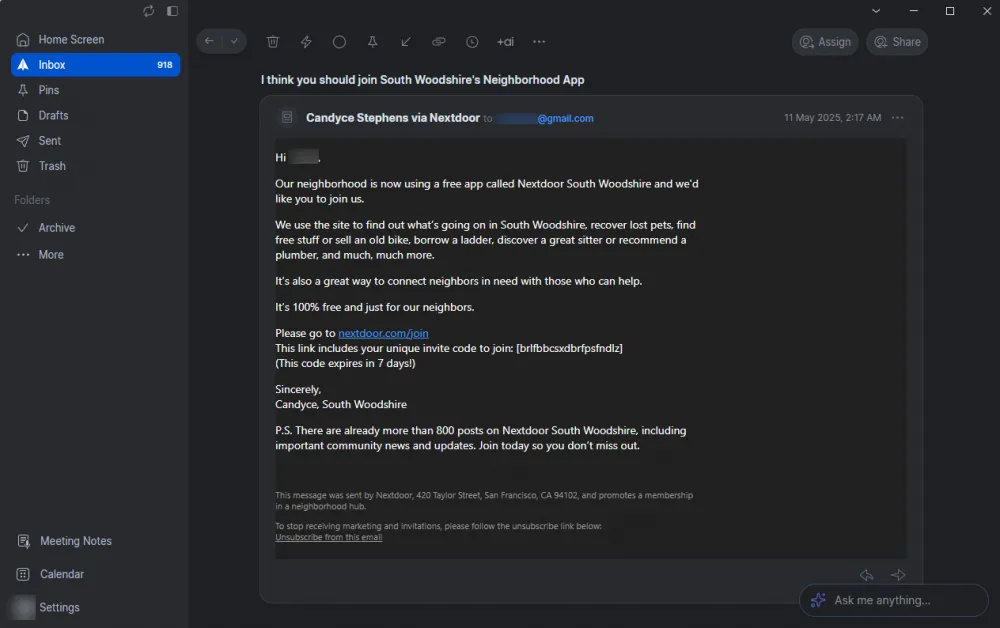
I personally liked the latter option more, allowing me to concentrate on a specific email:
Among the features, it is worth noting that the app is built on the capability of collaboration — for example, creating shared drafts in real-time with colleagues, sharing threads and templates.
Spark Mail is not exactly an application, but part of a cloud service. It should be understood that metadata and fragments of emails are processed through the Spark Mail infrastructure, although the actual emails remain with your email provider. However, this allows for configuring collaboration, and there are cross-platform mobile applications that do not require a separate subscription. Moreover, AI features are already present here: an assistant, the ability to quickly create summaries, and take notes. Stylish, trendy, youthful.
There is a free tariff plan available, which does not impose significant restrictions on the number of accounts or cross-platform synchronization. However, to work with a team or AI, you will have to switch to a paid subscription. And if at some point the company stops supporting the servers or ceases to exist, the application will become completely useless.
BlueMail
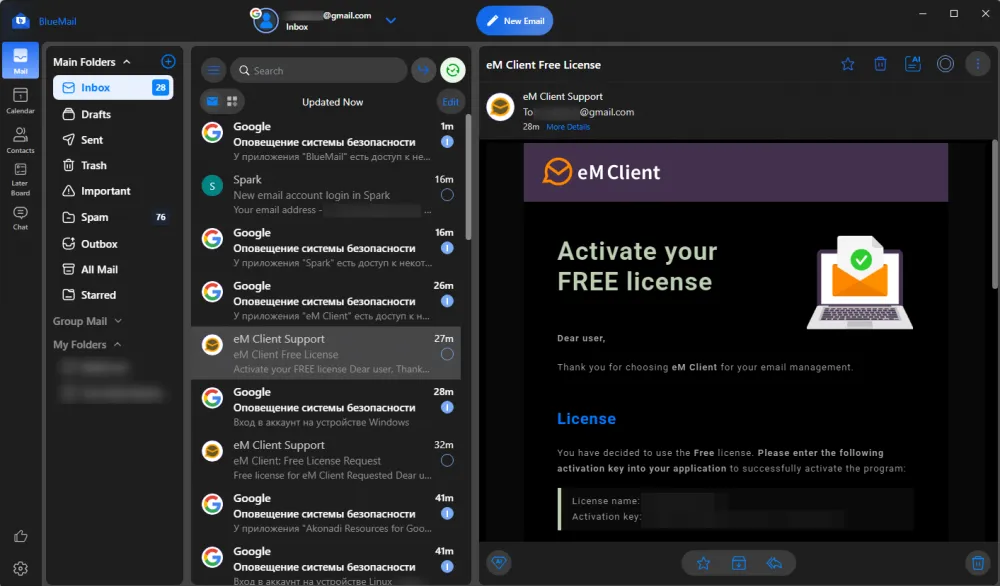
Completing our today's ranking is a product from the American Blix Inc called BlueMail. This is a cross-platform application that works equally well on macOS, Linux, and Windows. There is full support for mobile platforms. The Windows version can be installed from the Microsoft Store or downloaded separately:
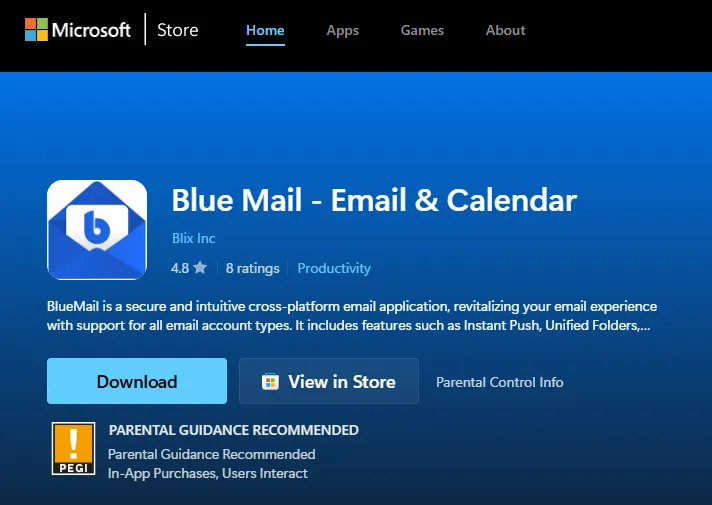
Unlike Spark Mail, here the correspondence is pulled directly from the mail server. There is support for blocking trackers (enabled by default), PGP/SMIME, and additional features like backup or settings synchronization.
This application also keeps up with the times: there is a built-in assistant GemAI, which is activated only if you call it using the appropriate button. With its help, you can create a quick summary or use it while writing an email — it will suggest wordings, adjust the tone of the message, and help convey the desired meaning.
Conclusion
All email clients can be conditionally divided into three categories. The first is classic desktop clients. Thunderbird/Betterbird is a very strong competitor to TheBat! and a quite adequate alternative. It is highly customizable, expandable through add-ons, and remains free. Both clients adhere to the classic principle that your mail should live locally and be accessible even when there is no internet.
The second category is the PIM-suite. For regular users, Kmail, which is part of the KDE ecosystem and at the same time strives to expand its capabilities, will be more than enough. If you need a full-fledged replacement for Outlook, then you should definitely try eM Client. You will surely be pleased that all the familiar functions work exactly as expected. The flexible pricing policy, with the option of both subscription models and one-time license purchases, will be convenient for all users.
Finally, the third category is the merging of email with cloud-based collaboration services and a focus on productivity. I liked the concept of how Spark Mail helps to concentrate by removing all the unnecessary and prioritizing senders. It’s really convenient when you don’t have to dig through settings for a long time and can achieve good results.
From here on, it all depends on your preferences: if you want purely classic data exchange, then Bluemail is for you. If you don't mind having your email on a third-party server, then go for Spark Mail. Even in the free version, it is quite simple and convenient.
So, which email client would you choose from this list? We look forward to your responses in the comments.

Write comment