- Security
- A
MitM proxy for LLM
Many developers have recently been using cloud-based LLMs for generating code, including with the help of agents. However, this raises at least two issues.
Information leakage: we do not know what data the LLM sends to the cloud
Uncontrolled token consumption, especially in the case of automatic agents that run autonomously for extended periods
For this, there are special monitoring tools. For example, Tokentap (formerly Sherlock) tracks token usage for LLM CLI in real time on a console panel. Such a MitM proxy is useful for information security and simply for tracking expenses.
Program features:
Token usage tracking: how many tokens each request consumes.
Context window monitoring: a visual indicator shows how many tokens have accumulated compared to the limit.
Prompt debugging: automatically saves each request in Markdown and JSON formats for review.
Simple configuration (or rather, none at all): the program works immediately after installation, requiring no certificates or additional setup.
Installation
To install Tokentap on Linux, it is recommended to first install the pip and pipx packages. Then installation with automatic virtual environment setup is the easiest:
git clone https://github.com/jmuncor/tokentap.git
cd tokentap
pip install -e .
Then start the proxy:
tokentap start
The program will suggest saving the intercepted prompts, after which a console like this will appear:
┌─────────────────────────────────────────────────────────────┐
│  TOKENTAP - LLM Traffic Inspector                           │
├─────────────────────────────────────────────────────────────┤
│  Context Usage  ████████████░░░░░░░░░░░░░░░░  42%           │
│                 (84,231 / 200,000 tokens)                   │
├─────────────────────────────────────────────────────────────┤
│  Time     Provider    Model                      Tokens     │
│  14:23:01 Anthropic   claude-sonnet-4-20250514   12,847     │
│  14:23:45 Anthropic   claude-sonnet-4-20250514   8,234      │
│  14:24:12 Anthropic   claude-sonnet-4-20250514   15,102     │
├─────────────────────────────────────────────────────────────┤
│  Last Prompt: "Can you help me refactor this function..."   │
└─────────────────────────────────────────────────────────────┘
Or you can immediately launch the installed local LLM via proxy:
# For Claude Code
tokentap claude

# For Gemini CLI
tokentap gemini

# For OpenAI Codex
tokentap codex
Currently, three LLM providers are supported, and they are generally used for programming from the console, including launching agents.
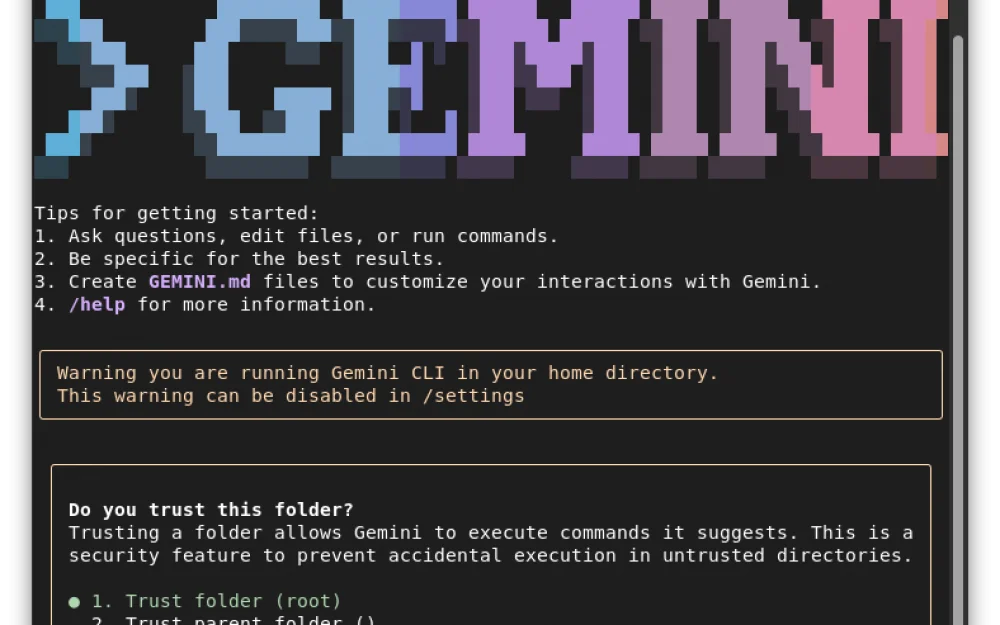
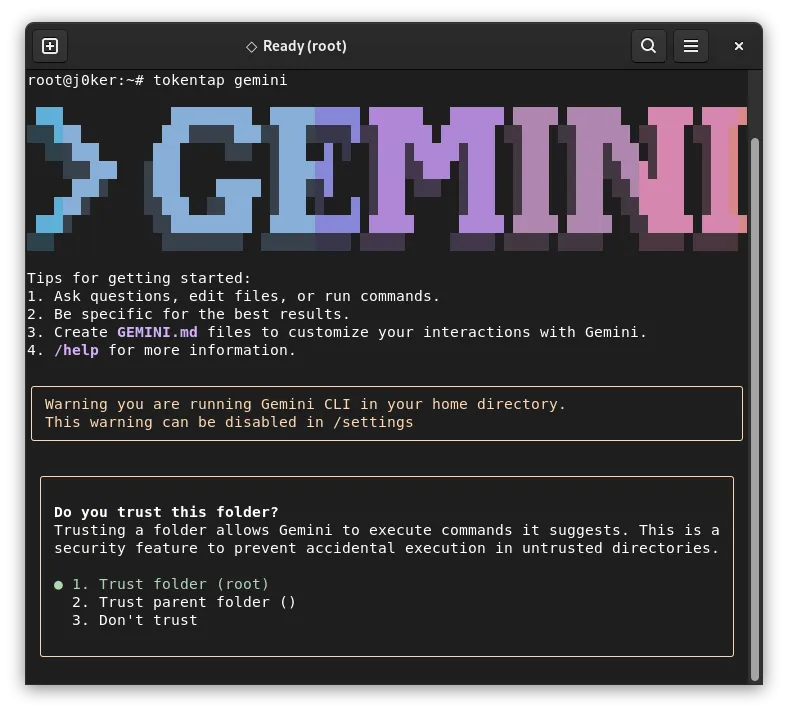
Let’s assume we have installed Gemini CLI on the system and connected to the Google account. Now, we launch the proxy with the command tokentap gemini:
MitM Proxy
Proxy operation scheme:
┌─────────────────────────────────────────────────────────────────┐
│  Terminal 1: tokentap start                                     │
│  ┌─────────────────────────────────────────────────────────────┐│
│  │  HTTP Proxy (localhost:8080)                                ││
│  │  + Dashboard                                                ││
│  │  + Prompt Archive                                           ││
│  └─────────────────────────────────────────────────────────────┘│
└───────────────────────────────┬─────────────────────────────────┘
                                │ HTTP
                                │
┌───────────────────────────────┴─────────────────────────────────┐
│  Terminal 2: tokentap claude                                    │
│  ┌─────────────────────────────────────────────────────────────┐│
│  │  Sets ANTHROPIC_BASE_URL=http://localhost:8080              ││
│  │  Runs: claude                                               ││
│  └─────────────────────────────────────────────────────────────┘│
└─────────────────────────────────────────────────────────────────┘
                                │
                                │ HTTPS
                                ▼
                      ┌───────────────────┐
                      │ api.anthropic.com │
                      └───────────────────┘
Options on startup:
tokentap start [OPTIONS]

Options:
  -p, --port NUM    Proxy port (default: 8080)
  -l, --limit NUM   Token limit for fuel gauge (default: 200000)
What the dashboard shows:
Green indicator: < 50% of the token limit
Yellow: 50-80% of the limit
Red: > 80% of the limit
Each intercepted request is saved in the selected directory in Markdown (human-readable format for convenience) and JSON (raw API request body for debugging)
When exiting from LLM-CLI, a session summary is displayed in the following format:
Session complete. Total: 84,231 tokens across 12 requests.
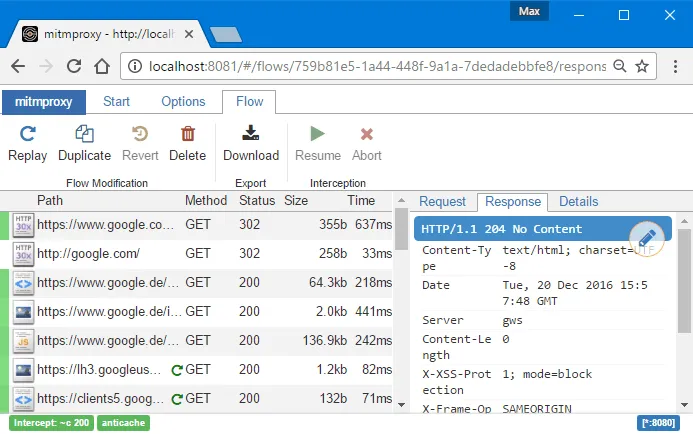
Judging by the source code snippet, the program works as an extension for mitmproxy, a well-known HTTPS proxy.
Local Models
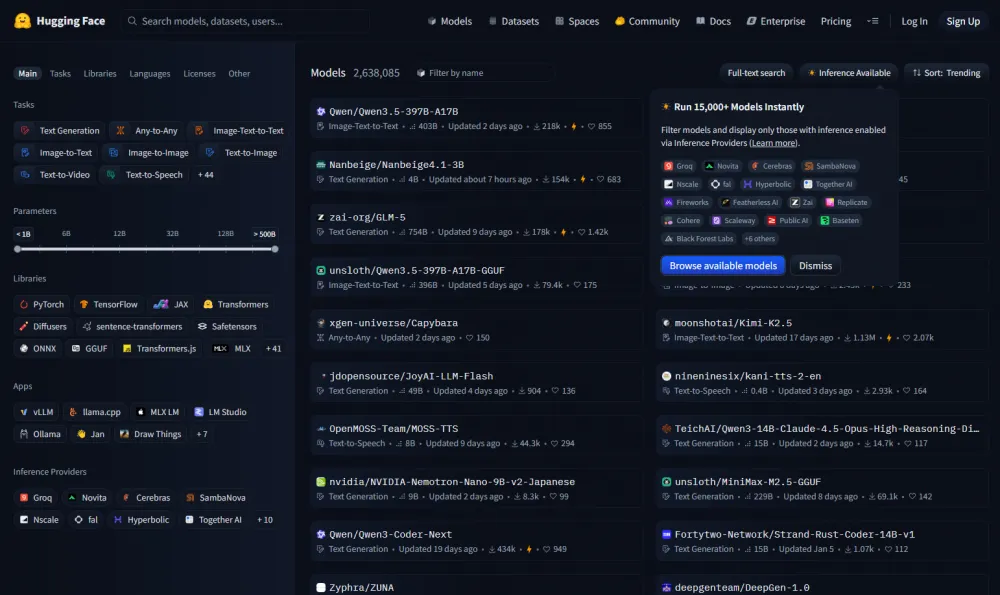
To prevent information leakage, security experts recommend using local models from the Hugging Face collection. All models on this site are available for download:
Models operate via the inference shell llama.cpp as follows:
# Use a local model file
llama-cli -m my_model.gguf

# Download and run a model directly from Hugging Face
llama-cli -hf ggml-org/gemma-3-1b-it-GGUF

# Run an OpenAI-compatible API server
llama-server -hf ggml-org/gemma-3-1b-it-GGUF

The inference shell llama.cpp is based on the machine learning tensor library ggml, which provides high performance for large models on standard computer hardware. The library has no external dependencies, works on any hardware platform, and does not require high-end PC configurations.
A few weeks ago, the author of ggml, Georgi Gerganov, announced that a small team of developers will now join Hugging Face, ensuring further development of the interface for locally running AI models (Local AI). The ggml projects remain open and community-managed, with additional focus soon on integration with Hugging Face's transformers library for improved model support.
Developers believe that local inference is now "becoming a significant and competitive alternative to cloud-based solutions." For a future ultra-powerful AI system, it is important that it operates in a distributed manner on users’ hardware, rather than in a commercial corporation's data center.
Note. A local LLM can be installed on a computer even without the user's knowledge. For example, the latest versions of the Chrome browser forcibly install the local Gemini Nano model without warning.
This option can be disabled using the Optimization Guide On Device Model and Prompt API settings in the browser, which are changed via chrome://flags/.
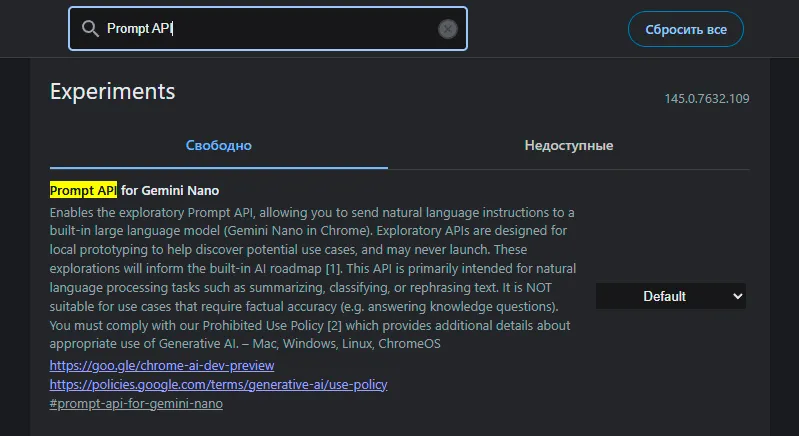
After that, it is possible to delete the model, which is about 4 GB in size, in the AppData/Local/Google/Chrome/User Data/OptGuideOnDeviceModel/ folder.
For both local and cloud neural models, for information security purposes, it is advisable to track what prompts and tokens are sent to them, how they process them, and what results they produce. For a cloud model, it is also necessary to monitor and log external traffic. If we do not control the model's actions, it cannot be fully trusted.










Write comment