- Security
- A
Three Layers of Server Protection: ipset, auto-block, and CrowdSec
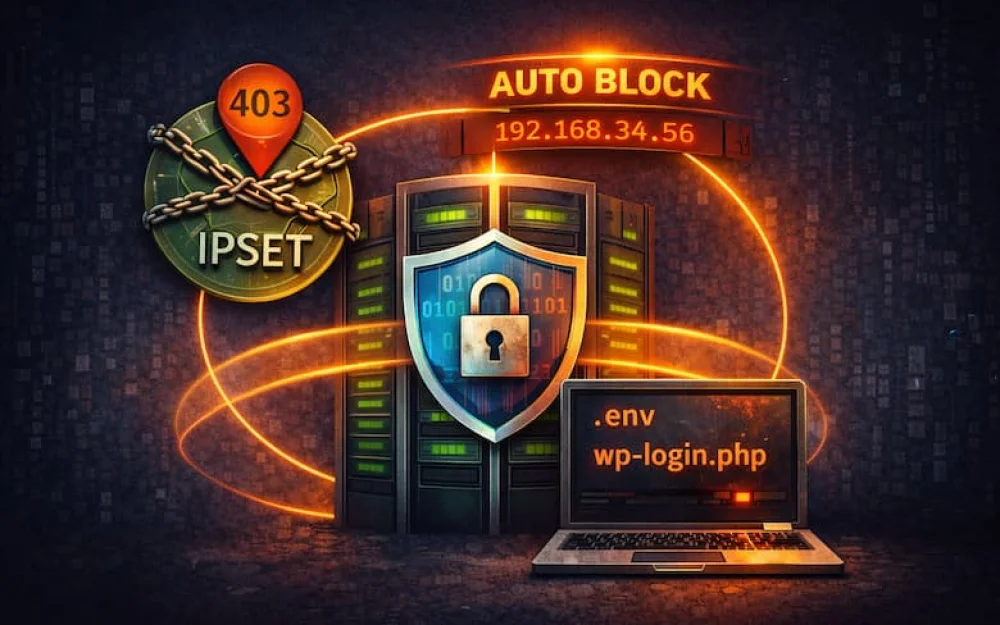
Are your logs filled with login attempts on .env, .git, and wp-login.php? While the bot is knocking on Nginx, your server is already wasting precious resources. I decided to move filtering to the Linux kernel and share a working case of layered defense based on ipset and CrowdSec.
Hello, tekkix! Do you remember my story about the Mac mini and Proxmox? There I experimented with hardware. This time, an interesting problem came from the network, and it came in large numbers.
The project that I got immersed in is not highly loaded, but it is commercial. It is important for me to understand that the server is spending resources on clients, not on scanners.
At some point, an atypical dynamic appeared in the reports: a spike in visits with zero growth in conversion. Analyzing the logs showed that the majority of requests were coming from regions unrelated to the target audience of the website.
Conversion: 0%
Bounces: 99%
Visit goal: .env, wp-login.php, config.php, and other "back doors".
For a Bitrix project, this means:
excess load on PHP-FPM,
bloated logs,
and the risk that against this background, a real attack will be missed.
This is how the evolution of my own WAF began.
Why not an external WAF or CDN?
The first logical question is why create your own solution when there are ready-made WAFs and CDNs?
The answer lies in the architectural priorities of the project.
Control and transparency. It is important for me to see which IP has been blocked, by which rule, and for how long. Without a "black box" between me and the server.
Blocking before the application. Any protection at the PHP level is already too late. If a bot has reached nginx or PHP-FPM, resources have already been spent.
In my case, blocking occurs at the kernel level (iptables + ipset), before passing the request to the application.Flexibility for project specifics. Standard signatures do not always account for the features of a specific Bitrix project. Sometimes, there is a need to quickly add a rule for a specific pattern and do it in just a few minutes.
Simplicity of architecture. The project is local, without a global audience. Adding an external layer for background scanning is an excessive complication.
It is important that decisions are made based on the analysis of HTTP logs (L7), but the actual packet dropping is performed at the L3/L4 level in the Linux kernel. This allows for filtering out noise before nginx and PHP.
I do not oppose this approach to external WAFs. For large or international projects, CDNs and cloud solutions are absolutely a logical choice. In my case, well-structured filtering on my side is sufficient.
Architecture: Layered Defense
How it works:
First line of defense (blocking countries). Packages from countries where we have no interests are dropped immediately. HTTP is not even parsed.
Second line of defense (auto-blocking suspicious IPs). If an IP has passed the geo-block but starts looking for .env, .git or wp-login.php, it is banned for 2 hours.
Third line of defense (CrowdSec blacklist). If an IP has already "marked" itself somewhere in the world, it can be blocked preventively.
Evolution of the system
The system did not appear in its final form. It was a sequential refinement.
Stage | Architecture | Manageability | Risk of false blocks | Maintenance |
Before v1 | Dispersed iptables rules | Low | Increased | Manual edits |
v1 | iptables + ipset + suspicious | Medium | Controlled | Partial automation |
v2 | Modular logic (country / suspicious) | High | Lower | Independent modules |
v2 + CrowdSec | Signature layer + custom | Maximum | Minimized | Self-updating database |
The key change in the second version was that the modules became independent. You can enable and disable country blocking, suspicious ones, or CrowdSec separately. This simplified debugging and reduced the risk of false blocks, adding more manageability.
Why ipset is the foundation of filtering
If you just add IPs to iptables, each rule is a separate line in the chain.
When a packet arrives, the kernel goes through the rules from top to bottom until it finds a match. If there are 10 rules, it goes unnoticed. If there are 10,000 rules, linear enumeration begins.
That is, in fact:
more IPs → longer chain → more comparisons
verification complexity - O(n)
Under light load, this may be tolerable. Under a wave of scanning, it is no longer so.
ipset works differently. Instead of a thousand separate rules in iptables, there is one:
-m set --match-set blocked_ips srcThe IPs themselves are within the set (hash:ip or hash:net). The check is done through a hash table, not by iterating through a list. This means:
1 IP in the set or 100,000, there's hardly any difference
the check is performed in O(1)
everything happens at the kernel level
That’s why ipset is the foundation of the entire scheme. Without it, it wouldn’t scale.
In the first versions, I updated the sets like this:
ipset flush blocked_ips
ipset add blocked_ips
And very quickly encountered the problem that at that moment the server is effectively open. Because between flush and filling, the list is empty.
I solved this by updating the set atomically, through a temporary list and swap. First, we create a temporary set, then fill it, execute ipset swap, and delete the old set.
Since the swap is performed instantly at the kernel level, there is no gap with an empty list. Filtering does not stop, and we rejoice.
This roughly looks like:
ipset create "${country}_temp" hash:net 2>/dev/null || ipset flush "${country}_temp"
if ; then
    while read network; do
        ipset add "${country}_temp" "$network"
    done < "$temp_file"
    ipset swap "${country}_temp" "$country"
fi
ipset destroy "${country}_temp"
Catching scanners by intent
auto-block-suspicious.sh does not ban for regular 404s. It looks for suspicious intents from the incoming side. Examples of patterns by which this is determined:
wp-login.php on a Bitrix project
shell.php, shoha.php
.env, .git, .aws/credentials
Logs are read through tail -n, not reread in full. The script itself determines where the access logs are or you can specify the path to the necessary ones at the time of installation.
The IP is temporarily banned for 2 hours and then automatically removed. A real case: earlier this year, a wave of requests to /wp-login.php hit the site managed by Bitrix. In just a few minutes, there were over 200 attempts from dozens of IPs. After enabling the suspicious IP checking module, addresses began to get banned within 20-30 seconds, and the load returned to normal levels almost immediately.
=== Locking System Statistics ===
 Blocks by country:
  China: 8802 IP
  Total blocked by countries: 8802 IP
Automatic blocking of suspicious IPs:
  Status: ✓ ENABLED
  Total: 10 IP
  Examples of blocked IPs:
4.193.97.168 timeout 4972
195.178.110.109 timeout 3472
195.178.110.246 timeout 3472
144.91.93.174 timeout 4972
20.211.1.210 timeout 4972
130.12.180.34 timeout 4972
45.148.10.238 timeout 4972
195.178.110.199 timeout 4972
89.248.168.239 timeout 7071
94.26.88.31 timeout 4972
CrowdSec as a Basic Layer
CrowdSec is connected through a bouncer, which adds IPs to the ipset crowdsec_blacklist with TTL. Thus:
global signatures are closed automatically,
decisions are synchronized,
bans are lifted on timeout without manual intervention.
CrowdSec does not replace custom logic. It blocks known patterns, while the country and suspicious modules address project-specific nuances. This is another barrier in our defense.
Metrics: What Has Changed
Comparison period: September–December 2025, without protection; January–February 2026, after WAF implementation
Indicator | Without Protection | With WAF |
Garbage Traffic | ~12% | < 0.3% |
Average LA | 1.8–2.5 | 0.9–1.2 |
Failures | Up to 40% | 12–15% |
Analytics | Noise and Bots | Clean Data |
Scanning peaks, which reached dozens of RPS, now break off at the kernel level and do not reach nginx.
It is evident that when country blocking is enabled, the number of requests sharply decreases.
Where this solution will not help:
Does not protect against attacks with a large flow of traffic over the network (L4)
Does not replace updates for Bitrix and other CMS
Does not protect against attacks coming from regular home IP addresses
Not needed if you have a global project with a full-fledged CDN
This helps filter out ordinary garbage and small attacks, but does not replace full security (SOC).
What's next
Currently, management is done via the console:
auto-block-control.sh status
ipset list blocked_ips
Want to make a lightweight dashboard:
map of blocked countries,
top IP aggressors,
“pardon” button.
If anyone has ideas for a lightweight UI stack for such a task, I would be happy to discuss.
Conclusion
As a result, a clear and manageable filtering system was created. It does not replace updating Bitrix (or other CMS) and closing vulnerabilities, but it removes background noise. Traffic goes through several levels, decisions are made transparently, updates are performed atomically, and all logic remains under control. Now the server processes what it was launched for: real user requests.
I have posted all the bindings on GitHub. There is an installer that will set everything up for you.
I would be glad if you share your patterns for blocking or tell how you survive in conditions of local blockages.









Write comment