- Hardware
- A
Linux on a Smartphone — PostmarketOS
One of the few ways to use vanilla Linux on a smartphone is installing the PostmarketOS operating system.
In this article, I will discuss this system, how to install it, its features, and my usage experience.
What is PostmarketOS
This is a Linux distribution based on Alpine Linux, adapted to run on various smartphones, tablets, and ARM architecture laptops. PostmarketOS includes drivers for a wide range of mobile devices, a desktop environment adapted for smartphone screens, and services for peripheral support: mobile connectivity, touchscreen, volume and power buttons, flashlight...
As a desktop environment in PostmarketOS, you can choose one of four options: GNOME Mobile, Plasma Mobile, Phosh, and SXMO (based on Sway).
Supported smartphones
PostmarketOS supports several dozen devices, most of which are relatively old smartphone models. The distribution's website hosts a full list of supported devices, as well as a table showing the peripheral support status for each specific device. Almost no smartphone is 100% supported, but a basic minimum is required for operation: display, touchscreen, Wi-Fi, USB, and battery charging support.
I tested the system on a Wileyfox Swift smartphone. The device has good support, but the phone itself is old and not very powerful: 2 GB of RAM, quad-core Cortex-A53 1.2 GHz processor, 5-inch 1280x720 screen.
Installation
The installation process varies depending on the smartphone model, but overall it comes down to the following two steps:
You need to unlock the smartphone's bootloader.
Flash the system image to the smartphone.
You can download a ready-made image for your device with four desktop environment options from the system's website. Alternatively, you can build the required configuration yourself, but this is only possible from a Linux system. Flashing the image to the smartphone is done via the fastboot console utility, which is included in the Android developer package.
I didn't run into any problems with my phone. The only issue I encountered was with the driver: it is quite old and lacks a digital signature.
Operability
I tried all four images. They differ in their desktop interface and possibly something else, since they have very different sizes (1–2.6 GB), but I couldn't figure out what other differences there are: none of the images come with pre-installed applications.
The SXMO de Sway image is the lightest. It implements the simplest interface, with navigation done via volume buttons or the touchscreen. The interface lets you launch apps and interact with smartphone peripherals (turn on Wi-Fi, connect to a network). It also has a touch keyboard.
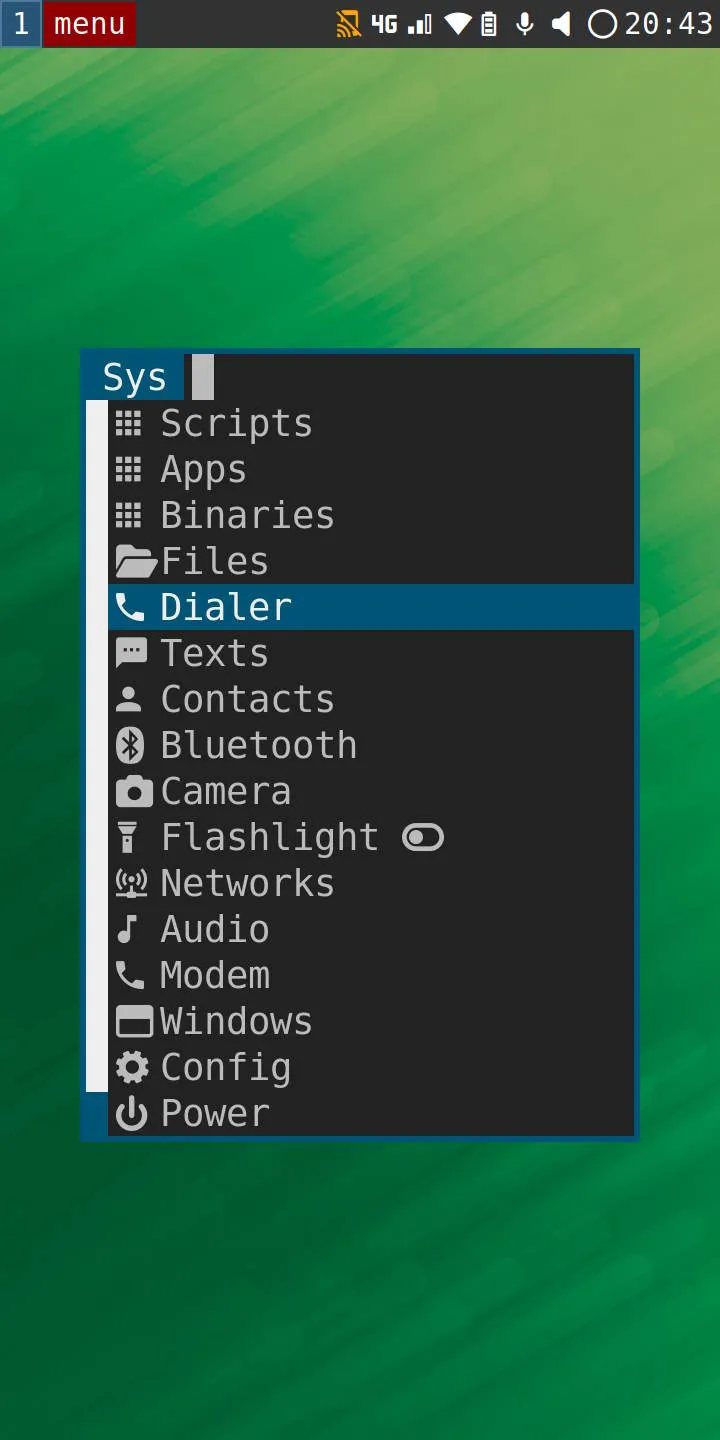
In principle, this interface is enough for full use of the system, but it has a number of drawbacks. It takes a long time to open (several seconds), and page transitions are also slow. On some pages, navigation is done with volume buttons, on others you need keyboard arrow keys. Overall, interface navigation is not intuitive, and because of its sluggishness, it was hard to use at first: it was unclear what response specific actions would trigger.
The Plasma Mobile interface is much nicer, as it tries to mimic the Android interface. But on my phone, this interface glitched: text flickered and disappeared, the interface also worked unevenly, lagging and stuttering at times. Despite major differences in appearance, the Plasma interface is functionally close to the first one.
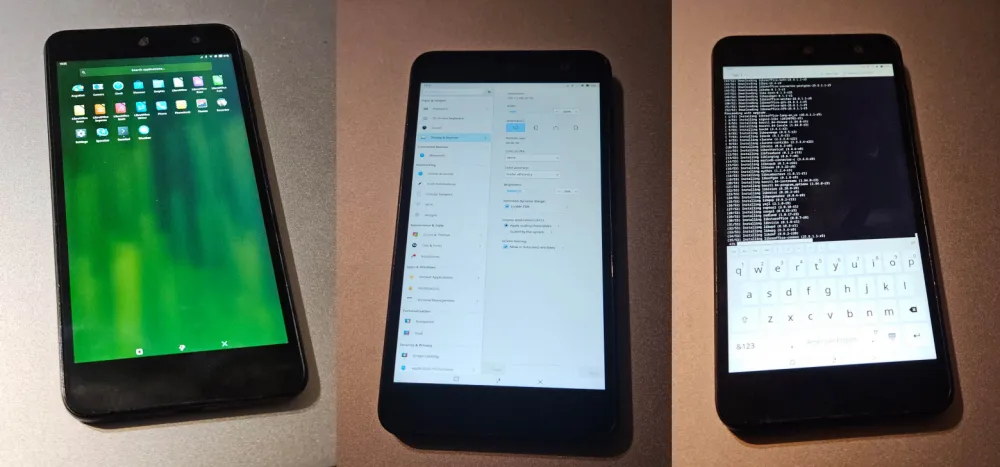
I couldn't get the GNOME and Phosh images to run. GNOME crashed when flashing the image to the smartphone, and Phosh froze on boot.
Overall, the system behaved stably. When connecting the smartphone to a PC via USB, a local network connection appeared, through which you could connect to the smartphone via SSH. However, the SSH server had to be installed first by entering commands directly on the smartphone.
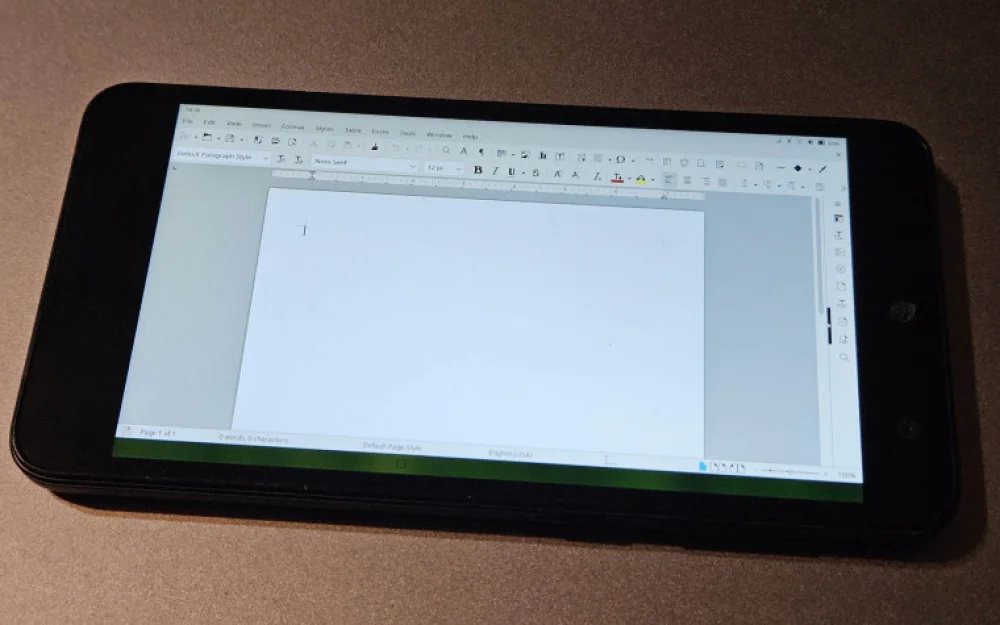
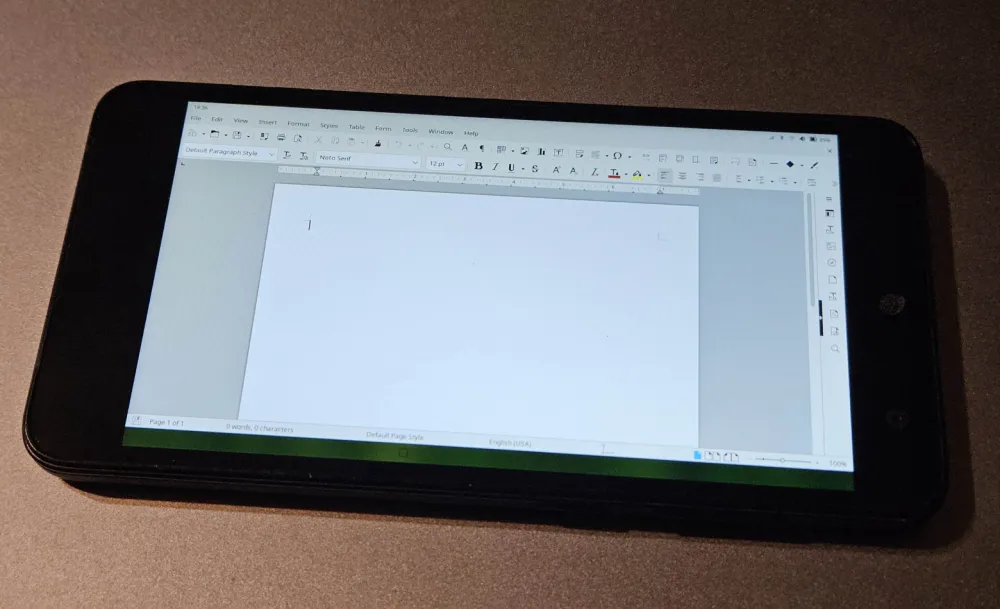
I tried installing LibreOffice. It worked correctly, the interface did not lag and displayed properly. There was a bug in the Plasma system: I couldn't bring up the on-screen keyboard to enter text into LibreOffice application fields.
I didn't test connecting an external USB keyboard. I needed a non-standard Micro-USB OTG port at the time, and I also had to provide 5V external power on it, since my phone can't supply that voltage to the port on its own.
There were graphics-related bugs. I tried a couple of games: GZDoom and Xonotic. Doom didn't display any image in OpenGL mode, Xonotic (running on the Quake III engine) launched correctly and delivered 5–20 FPS depending on scene complexity. There were also bugs in the Plasma interface.
Applications
Applications turned out to be the biggest problem with this system. PostmarketOS is a full-fledged Linux without any restrictions, but it is based on Alpine Linux, which differs quite significantly from the familiar Ubuntu/Debian distributions.
Alpine Linux uses its own repository and apk package manager; there are very few applications available in it, only the most basic ones. At the same time, you can't install an application manually, because Alpine Linux uses the musl library instead of the standard glibc. As a result, standard applications won't run. You can set up glibc emulation, but important glibc-related dependencies and components are still missing. You also can't simply recompile software for this system. I couldn't get VS Code and FreeCAD to run, and those are exactly the ones I would like to use.
As a result, it's unclear what use case this system can serve due to the lack of applications.
The only thing I managed to install is the .NET runtime, which is officially supported. Accordingly, client and server applications written in C# will work correctly. A similar situation is likely with other similar frameworks.
Power consumption
I measured the smartphone's power consumption via a USB adapter when the battery was fully charged. At idle with the screen turned off, the processor frequency drops to 200 MHz, and power consumption is 0.75 W. In active mode, both the frequency and consumption jump up: to 900 MHz and 3.5 W respectively. This is standard power consumption for this type of processor; I've seen similar figures for single-board computers running on Armbian, which indicates that the processor is working correctly in PostmarketOS.
If you disconnect from the phone, when the screen is turned off it enters sleep mode. I was not able to fully study this mode. It still consumes charge (~2% per hour). But the battery is already old, its capacity is unknown, and the accuracy of the charge level display is also questionable. I was not able to measure the exact power consumption in this mode.
Conclusion
The PostmarketOS developers have done colossal work recreating drivers for a large number of devices. But I do not see any use for this system for myself in its current form. It would be better suited for installing some Android service or server, but using PostmarketOS in everyday scenarios without applications is not feasible.
Perhaps it is worth trying to take the "drivers" from PostmarketOS and build an Armbian image with them. In this option, you can already get a more versatile device.
![From Virtual Hands to AI for Survivalists: Curious Open Agent OSes [and One Hardware Project]](https://cdn.tekkix.com/imgs/2026/05/habrcom/big/ce0b1057616faed51cd8b9f3b2b9.webp)

Write comment