
- Software
- A
Why and When Old Printers Will Stop Working in Windows
Windows is gradually changing its approach to working with old printers. This concerns V3 and V4 drivers, on which a large number of devices released 10-15 years ago still rely. Devices that have been printing reliably for years may soon become obsolete. Let's explore what exactly will change, who will be affected, why Microsoft is taking these steps, and whether any action is needed now.
What are V3 and V4 drivers and what is wrong with them
Printer drivers in Windows provide communication between the operating system and a specific device — translating commands into a format understandable by the printer. V3 versions appeared back in the era of Windows XP and Vista, and V4 — with the release of Windows 8. Manufacturers regularly added their own settings, utilities, and sometimes additional software to them.
Because of this, with each major Windows update, it was necessary to check compatibility with thousands of drivers from different manufacturers. Older versions often worked unstably or ceased to interact correctly with the system. It became clear that supporting a large volume of outdated code was turning into not only a technical challenge but also security risks.
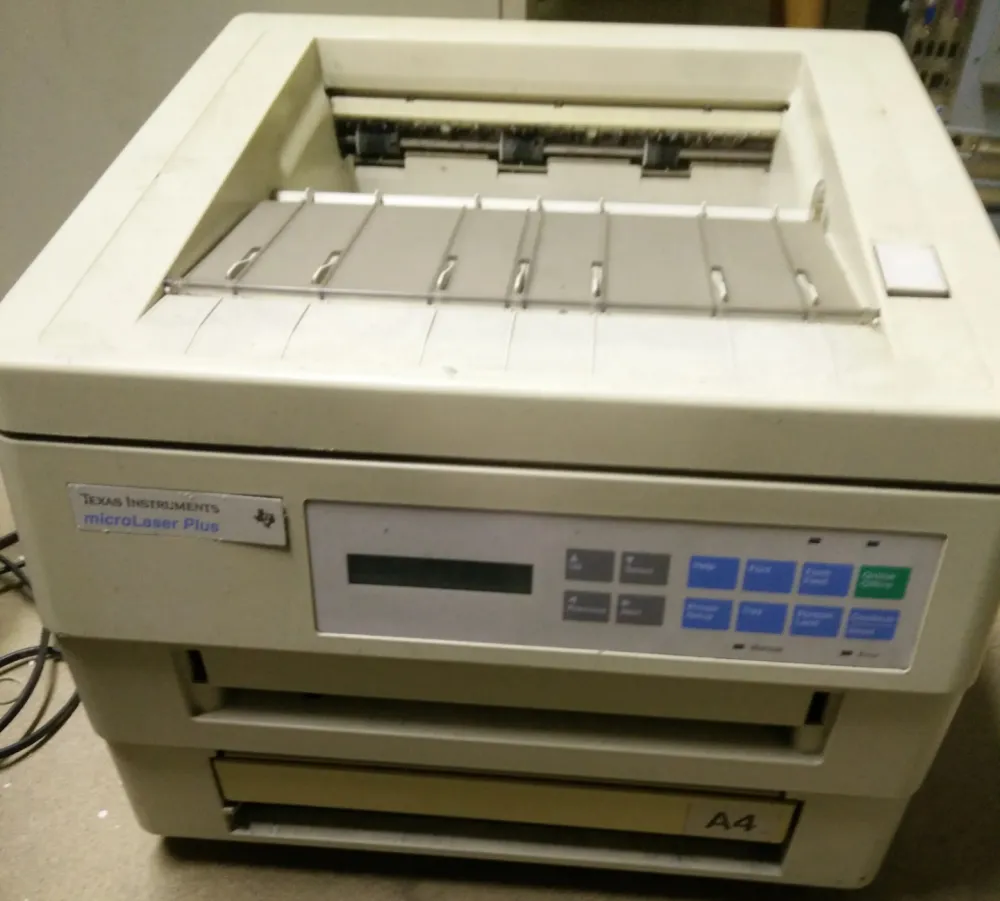
Microsoft decided to cut the Gordian knot of old legacy and change the very architecture of print support. In September 2023, the company officially announced a phased withdrawal from old driver models. Further changes went according to schedule.
From January 2025, V3 and V4 will no longer be automatically distributed via Windows Update. Starting from July 1, 2026, when multiple options are available, the system will prioritize the built-in Microsoft IPP class driver. And from July 1, 2027, updates for third-party packages will be limited to critical security patches only. This is not an immediate withdrawal, but rather a series of limitations: old drivers remain functional, but their automatic distribution and updating become increasingly difficult, especially on new builds.
Why Microsoft made these changes
The reason is quite compelling — maintaining security at a good level has become increasingly difficult, and sometimes even impossible. Over the years, thousands of drivers from various manufacturers have accumulated. Each of them is written in its own way, with its own settings. Older packages often conflicted with new versions of the system, and in some cases, dangerous vulnerabilities were found in them.
The PrintNightmare incident became a point of no return for Microsoft. In the summer of 2021, researchers discovered a vulnerability in the Windows Print Spooler service. It allowed remote installation of malicious drivers and execution of arbitrary code in the system. The problem received several CVE identifiers — it turned out that it was possible to escalate privileges to administrator level or attack servers in a domain network through the printing subsystem.
Worse still, the Print Spooler service was enabled by default even on servers where it was not actually used. Through the driver installation mechanism, an attacker could load their own package, and the system would recognize it as a "good" component.
Microsoft released urgent updates and tightened rules for driver installation, but the incident itself revealed a deeper problem: the old printing architecture with a large number of third-party drivers creates too broad of an attack surface. It was after these events that discussions about gradually phasing out outdated support models moved into the action stage.
At the same time, Microsoft has begun to simplify the printing model itself. Instead of complex drivers from manufacturers, the company is moving to a universal IPP protocol and a built-in Windows driver. New printers are increasingly operating without the need for separate installation of proprietary packages: less code, non-standard extensions, and unexpected failures. Similar changes have also affected the Windows Protected Print Mode in Windows 11 24H2, although it is not yet the default.
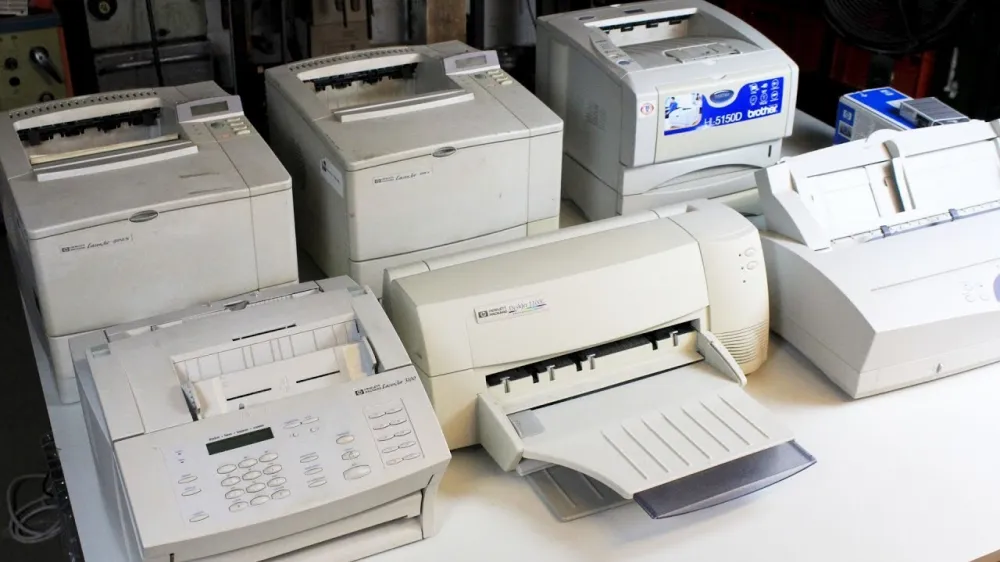
Now manufacturers choose for themselves whether to adapt their devices to new requirements or leave them without further updates. For most outdated models, this is economically unfeasible, so vendors are more often focusing on releasing new equipment.
Who will be affected first? Companies that use network printers purchased in large batches ten or more years ago. Replacing the fleet involves not only costs for equipment but also time for integration, policy setup, and staff training. Changes will also affect server versions: starting July 2026, support for old drivers will come to an end, as the priority in Windows Server 2025 will be given to the IPP driver.
Is it already time to do something?
In general, yes, but there is still time: critical security updates for old drivers will continue to be released until 2027.
Manufacturers are already gradually adapting to the new rules. Many are releasing universal drivers that are suitable for entire lines of devices. For example, major companies like HP and Canon support current models this way. If the printer is not too old, you can visit the manufacturer's website and check if there is a fresh driver for the new version of Windows. Although such packages are now distributed less frequently through Windows Update, it is still possible to download and install them manually without restrictions.






Write comment