- Hardware
- A
MSI is in no hurry to discard AM4: new motherboards with DDR4 support in 2026
MSI recently surprised with new motherboards based on the B550 chipset. Why was it a surprise? Well, the novelty is unusual for 2026, as the AM4 platform is already considered relatively outdated. The company released two compact micro-ATX models designed for systems with DDR4 memory and Ryzen 3000 and 5000 series processors. The appearance of such solutions seems quite logical given the current situation in the component market. And with the market, not everything is okay right now. Let's discuss all of this in the article.
What MSI Offers Us
First, let’s see what’s inside and how the boards differ from each other.
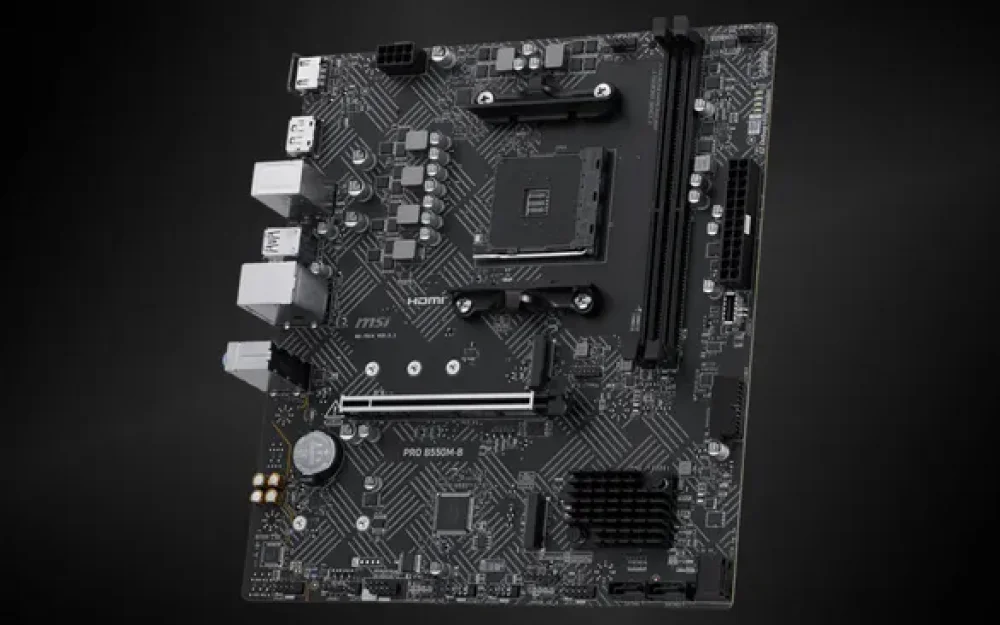
PRO B550M-B
The higher-end version is called PRO B550M-B. It stands out because it has two M.2 slots. The first one connects directly to the processor via PCIe 4.0, so the system drive works at full speed. The second one is connected through the chipset and operates on PCIe 3.0, which can be used for data or games. It’s a convenient setup: a fast main drive plus room for everything else.
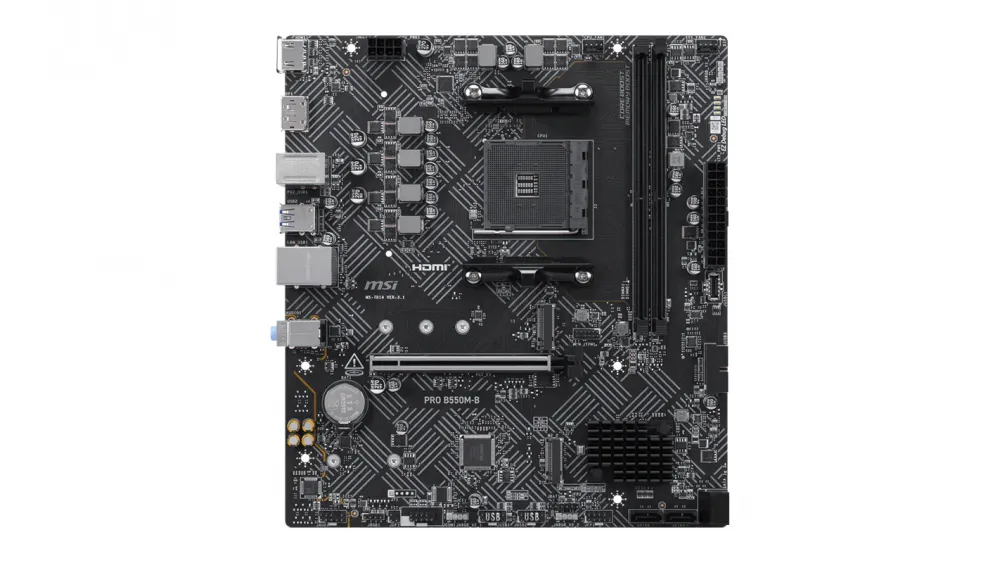
The PCIe slot for the graphics card is reinforced with metal to ensure even a heavy model (and which of the new ones are light?) sits firmly and doesn’t risk falling off over time. There’s even a connector for ARGB lighting, which is controlled via Mystic Light. The network is standard gigabit Ethernet. The back panel features the usual USB ports of various generations, one PS/2, and DisplayPort in case the processor has integrated graphics. The processor power is designed with an 8-pin connector, so a slight overclock of the Ryzen goes without any issues or current limitations.
Specifications:
Form factor: micro-ATX,
Chipset: AMD B550,
Socket: AM4,
Processor support: Ryzen 3000, 4000G, and 5000 series,
Memory: 2 DDR4 slots, up to 64 GB, frequencies up to 4600+ MHz with overclocking,
Storage: 2 M.2 slots (one PCIe 4.0 x4, the second PCIe 3.0 x4) + 4 SATA 6 Gb/s ports,
Expansion slots: 1× PCIe 4.0 x16 with Steel Armor reinforcement + 1× PCIe x1,
Processor power: 8-pin connector,
Back panel: HDMI 2.1, DisplayPort 1.2, 1× PS/2, gigabit Ethernet, USB 3.2 Gen1, and USB 2.0,
Lighting: 5V ARGB connector (controlled via Mystic Light).
B550M-A Pro
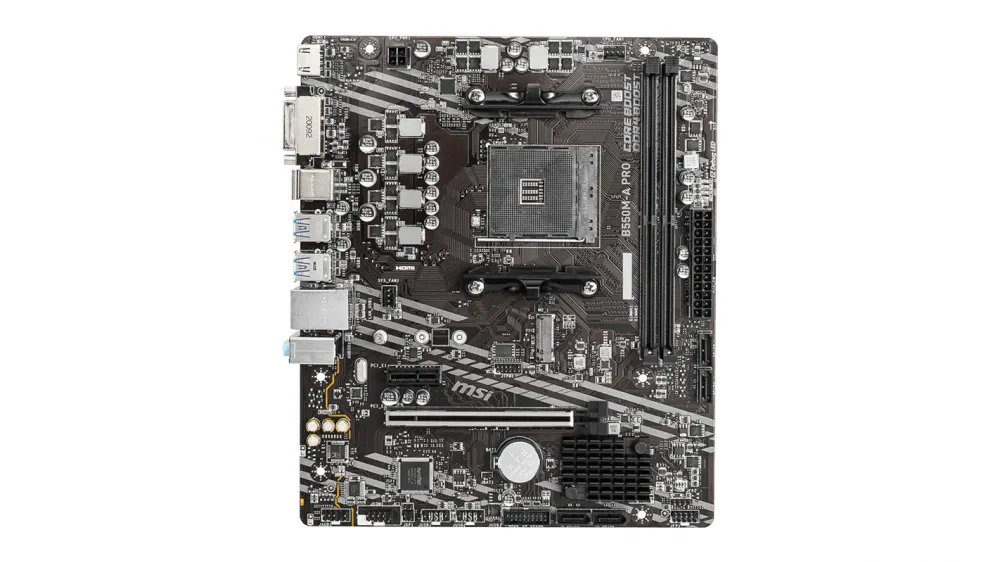
The B550M-A Pro motherboard is a bit simpler. The developers made this decision to keep the price very affordable for users. There are also two memory slots, but only one M.2 — on PCIe 4.0. For most builds, this is more than enough. The additional expansion slot here is PCIe 3.0, and the CPU power is limited to a 4-pin connector — this is quite sufficient for regular frequencies without overclocking. On the rear panel, there is a DVI-D and two PS/2 ports, which is particularly convenient when there is an old keyboard or mouse from an office setup. The main x16 slot is also reinforced, so mid-range graphics cards are securely installed.
Specifications:
Form factor: micro-ATX,
Chipset: AMD B550,
Socket: AM4,
Processor support: Ryzen 3000, 4000G, and 5000 series,
Memory: 2 DDR4 slots, up to 64 GB, frequencies up to 4600 MHz with overclocking,
Storage: 1 M.2 PCIe 4.0 x4 slot + 4 SATA 6 Gbps ports,
Expansion slots: 1× PCIe 4.0 x16 with Steel Armor reinforcement + 1× PCIe 3.0 x1,
CPU power: 4-pin connector,
Rear panel: DVI-D, HDMI, 2× PS/2, gigabit Ethernet, USB 3.2 Gen1, and USB 2.0,
Lighting: No ARGB connector,
Warranty: 3 years.
Both motherboards have four SATA ports, memory support up to 64 GB with overclocking to 4600 MHz, and a 3-year warranty. The distinction is clear: one model offers a bit more freedom for expansion, while the other wins with a lower price and simplicity.
Why the platform from 2016 got a continuation just now
This year, there is a strange story happening with memory. Almost all chip manufacturing factories are now focusing on volumes for AI tasks, including model training. As a result, DDR5 has suddenly become much more expensive and, in some places, has completely disappeared from free sale. Regular users and businesses started to economize and choose relatively inexpensive solutions. This includes returning to things that have long been sitting on the shelves because they were supposedly outdated.
Here an interesting situation is unfolding. DDR4 manufacturers did not stop production, especially the Chinese factories. Recently, contract prices for it went down, and in retail, the difference became quite noticeable. A 32GB or 64GB kit is now significantly cheaper than an equivalent one on the new standard. This is exactly why MSI decided to update the lineup for the old socket — the demand hasn't disappeared, so the company caught the trend and responded to users.
For both regular and corporate users, the transition to AM5 now seems too expensive. After all, you have to buy not only memory but also a processor, and sometimes cooling and a case as well. However, on B550 with the Ryzen 5000 series, you can build a system that handles modern tasks but without these extra costs. The chipset provides full PCIe 4.0 for the graphics card and primary disk, which is enough even for recent mid-range graphics cards. In general, MSI’s move seems like a logical response to current prices.
If we consider who will benefit most from such motherboards, it’s those who want to save on PC builds while still getting a machine with acceptable performance. Let’s take a typical gaming setup: Ryzen 5 5600, 32GB of DDR4, and a current graphics card. This machine will handle many AAA games in Full HD or even QHD at high settings, and the total cost will be noticeably lower than if you started from scratch on a new platform. Interestingly, if we’re talking about the products in this article, in most cases, the lower-end B550M-A Pro will be enough. The higher-end model is needed mostly when extra slots and lighting are desired. In any case, it’s worth checking MSI’s website and downloading the latest BIOS version, especially if you plan to install one of the latest supported processors.
In the corporate sector, these motherboards should also be appreciated. There, stability, compatibility with old peripherals, and minimal support costs are valued. The presence of DVI and two PS/2 ports on the lower-end model may become a decisive factor. MSI has long been at the top of sales in Russia, and such options quickly sell out through large networks. Customers buy them precisely because you can build a decent computer without overpaying for things you’ll never use.
How good is the AM4 platform today
It can be said right away that it’s too early to bury AM4. Zen 3 processors still deliver decent numbers in both games and work applications, especially the versions with larger cache. The gap with the latest generations is often smaller than the price difference for the entire set. At the same time, overclocking through Precision Boost Overdrive and fine-tuning memory allow for a little more performance without switching to expensive memory and processors.
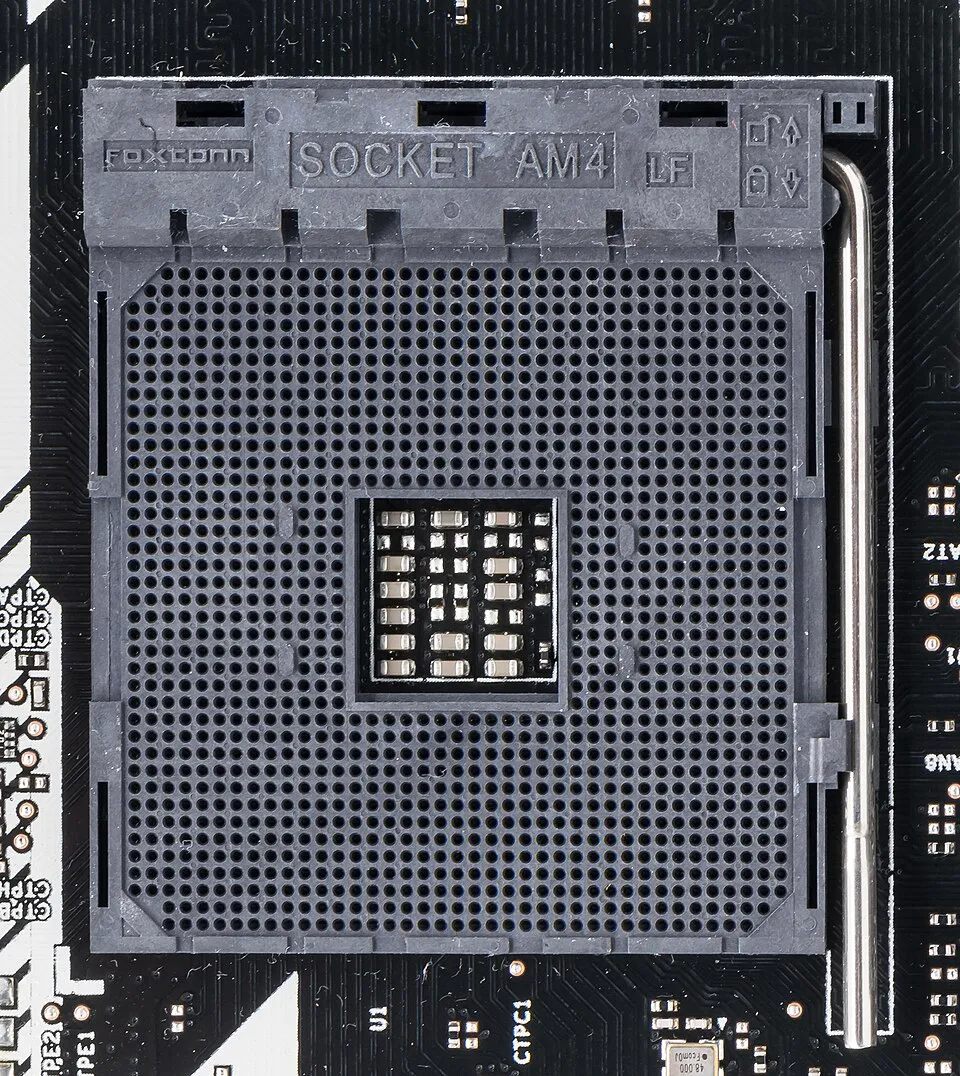
Full PCIe 4.0 support for graphics and storage eliminates almost all bottlenecks in such a configuration. Of course, there are specific tasks that require maximum memory speed or new instructions — there, the advantage will remain with newer hardware. But outside the enterprise level, they are few. For regular gaming, document work, surfing, and simple video editing, the difference is almost unnoticeable. Plus, there are still plenty of compatible processors on the secondary market at reasonable prices, which further lowers the entry barrier.
Companies continue to release BIOS updates, fixing small bugs and adding support. This means the platform has not been abandoned, it simply lives in its own rhythm. As a result, decisions are often made not based on raw benchmarks but on the total cost of ownership — and here, older hardware often comes out ahead.
Overall, the demand for affordable hardware has not disappeared and continues to influence manufacturers' decisions. If customer interest doesn’t decline, other brands will likely follow with their own options and extend the life of this ecosystem for some more time. For those building or upgrading a PC, this simply means more options without unnecessary expenses. How do you solve the problem of constant hardware price increases?
![From Virtual Hands to AI for Survivalists: Curious Open Agent OSes [and One Hardware Project]](https://cdn.tekkix.com/imgs/2026/05/habrcom/big/ce0b1057616faed51cd8b9f3b2b9.webp)
Write comment