- Software
- A
Aluminium OS: how Google decided to reinvent the wheel and what it has to do with macOS
The new operating system from Google called Aluminium OS was first mentioned last year - hints of a desktop version of Android began appearing in job postings and internal documents. It became known that the project is being developed internally at Google, aimed at laptops, and should merge mobile and desktop ecosystems. Details about the appearance and capabilities of the system were not available at that time.
The situation became clearer recently when a test build of Aluminium OS leaked online. The leak revealed the system's interface, its behavior in operation, and Google's approach to organizing the desktop. Let's try to figure out what this OS is and what it is for.
The ideology of a hybrid: old problems and new answers
Chrome OS appeared back in 2009 as a system for the simplest and lightest scenarios. It was designed with the expectation of constant internet connectivity, minimal hardware requirements, and operation through a browser. In this form, it settled well in schools and on inexpensive laptops, but was not initially considered a full replacement for traditional desktop operating systems.
Problems arose when users tried to go beyond these scenarios. Running local programs, working offline, normal multitasking, and managing with a mouse and keyboard turned out to be the weak points of the system. Android applications on larger screens partially filled the gaps but were designed for touch input and could not replace a full-fledged computer. As a result, Chrome OS remained a convenient tool for basic tasks but not for complex workflows.
Google tried to improve the situation by introducing multitasking in tablet versions of Android, but this did not solve the problem. The interface remained oriented towards touch screens, making work with a mouse and keyboard inconvenient. Mobile elements in a desktop environment required extra actions where a regular desktop system could resolve issues faster and more easily.
Aluminium OS is a completely different matter. Instead of stretching mobile applications across a large screen and masking them as desktop apps, Google is designing the system from the ground up to be equally convenient with a mouse, keyboard, and touch input — without workarounds and temporary solutions.
As far as can be judged from the video and descriptions of the OS, the system works the way users of regular PCs are accustomed to. Instead of the compromises typical of hybrid solutions, Google is betting on stable and smooth performance — without attempts to present an experiment as a full-fledged system.
It is also known that the OS does not require extreme specifications, but it is initially aimed not at the most budget hardware.
Recommended system requirements:
— Processor: 64-bit x86 or ARM, at least 1.5 GHz, 2 cores (4 is better); testing — Intel 12th Gen (Alder Lake), MediaTek Kompanio 520.
— RAM: 4 GB (AL Entry), 8 GB (AL Plus), 16 GB recommended for AL Premium with AI features.
— Storage: at least 32 GB, preferably 64 GB; SSD preferred.
— Graphics: integrated with support for Vulkan 1.3+ or DirectX 12; discrete GPU optional.
— Screen: minimum 1366×768, recommended 1920×1080 and above; multi-monitor support.
— Neural processor: optional NPU for local AI; support for Qualcomm, MediaTek, Intel AI Boost.
— Connectivity: Wi-Fi 5/6/6E, Bluetooth 5.0+, optional 5G/LTE.
— Internet: required for initial setup; after configuration, many features work offline.
Now let's evaluate the appearance of the new system. It should be noted that there are only test builds available now, so the final version may look different.
A familiar hand in a new implementation: what's under the hood?
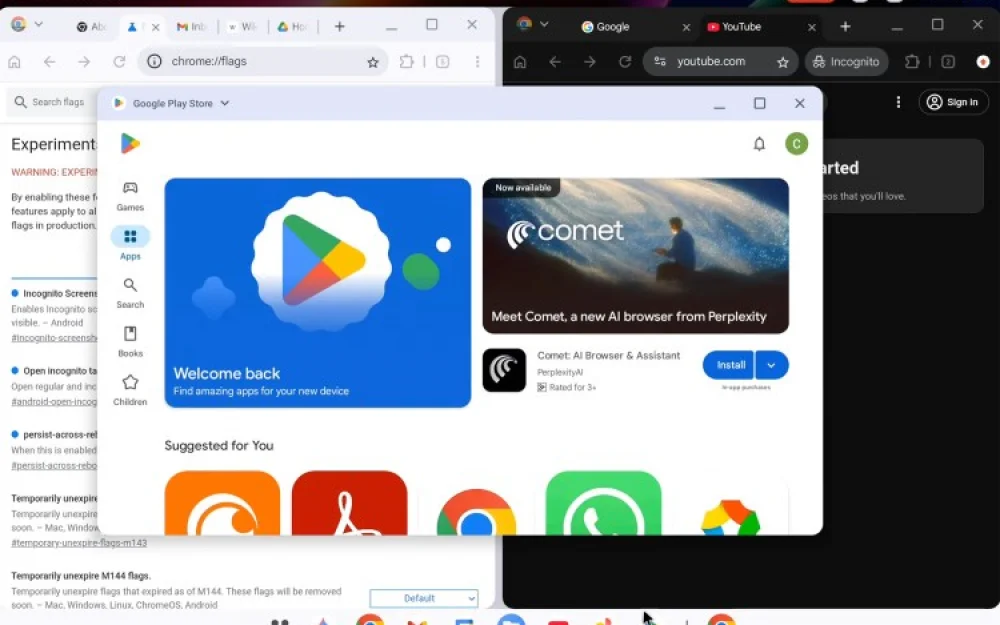
If you look at the interface of the test build, recently leaked online, it becomes clear that Google has closely observed successful products from competitors. Apparently, the interface of the new system tries to solve several tasks at once. The taskbar and status bar look as if they were originally designed for large screens and mouse control, rather than just touch input. At the top of the screen, the time, date, and status indicators are displayed, while at the bottom is a panel for launching applications and switching between them.
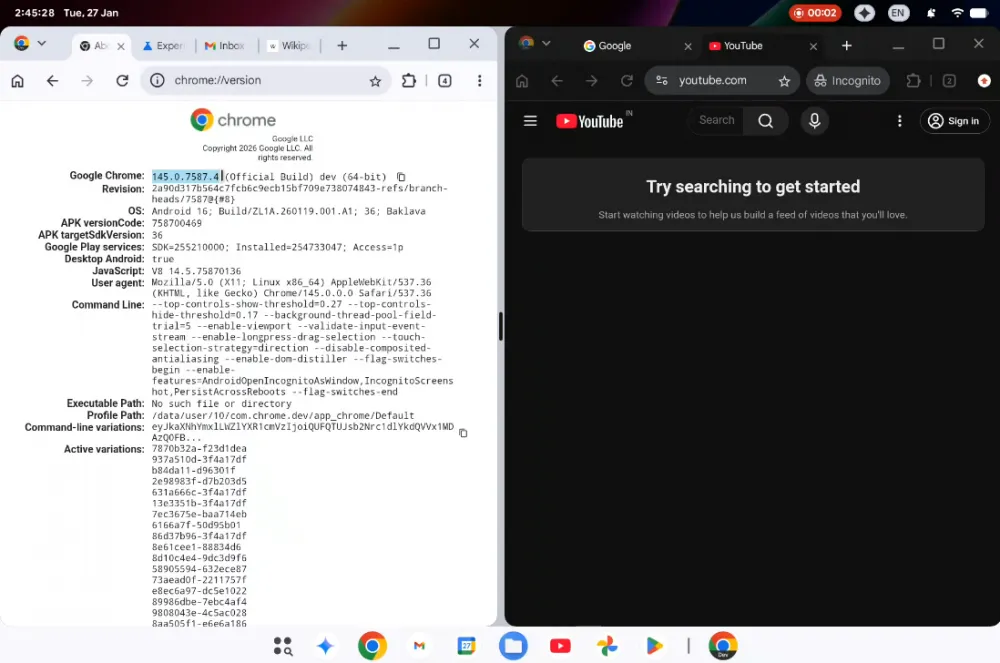
The architectural principle of the system is significantly different from the lightweight concepts of the past. In the leaked video, Aluminium is showcased on the HP Elite Dragonfly 13.5 Chromebook, which originally came with Chrome OS but has now become a testing ground for the new system. This device is equipped with 12th generation Intel Core processors from the Alder Lake family — from i3-1215U to the powerful i7-1265U. It can be installed with 8 to 32 GB of LPDDR4x RAM, and the storage subsystem includes a built-in 32 GB drive and an additional SSD of 128, 256, or 512 GB.
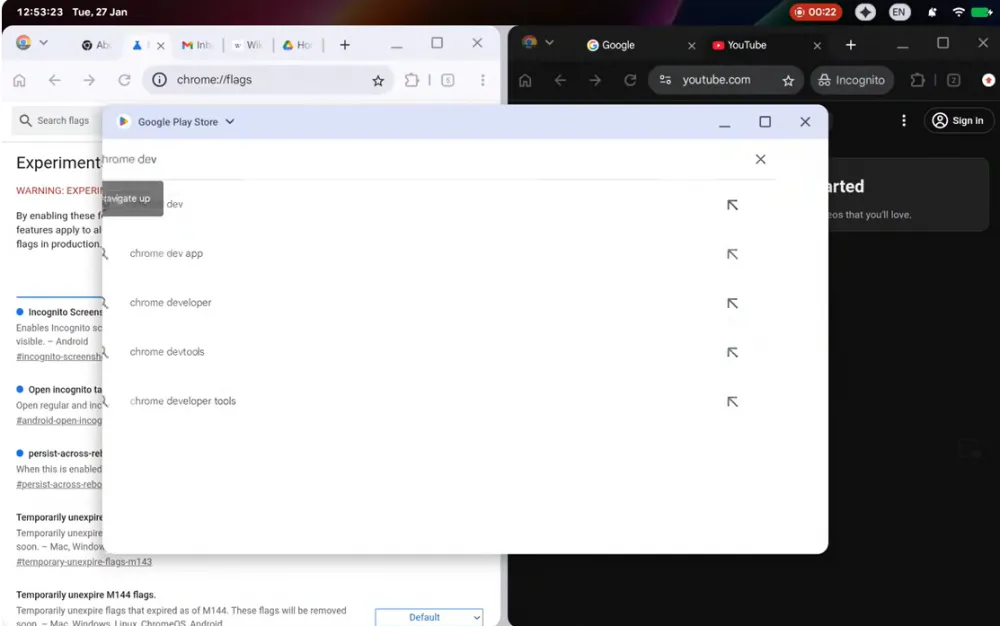
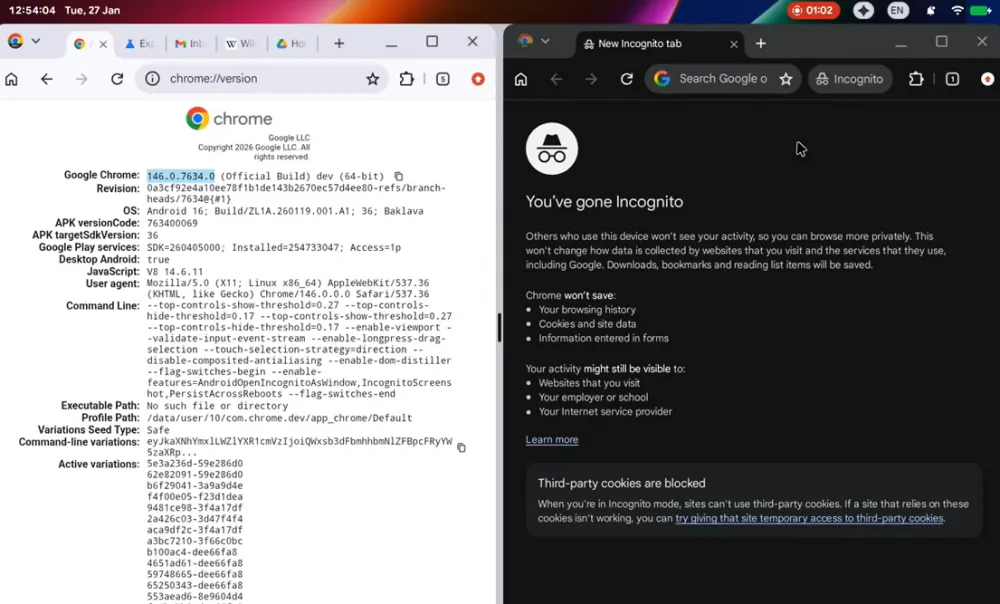
The video gives an understanding of how the OS behaves in operation, albeit in an early stage. A bug with Chrome tabs in incognito mode is noticeable in the clip, and because of this, many have concluded that the system is still raw. In reality, this is a common situation for active development: such errors appear when the product is no longer being designed, but is actually being used and tested.
Another important aspect is that the system already supports normal multi-window operation. The browser and text editor are open simultaneously on the screen. As far as can be judged, the windows behave predictably and do not interfere with each other. This indicates that Google is seriously working on the window manager and basic multitasking — something that was previously lacking in Chrome OS.
Judging by the leaked materials, the system is designed for active hardware use, not just for launching a browser. Aluminium OS has a proper file manager and full support for external devices — keyboards, mice, drives, and other peripherals. This is an important distinction from earlier versions of Chrome OS, where such features often seemed secondary.
The fact that the system runs smoothly on a production HP laptop shows that Aluminium OS is not an experiment at the conceptual level, but a real working platform capable of functioning properly on modern x86 architecture.
In conclusion
“Why do we need another operating system?” — a perfectly logical question. There are web services where everything has long been working, Windows for work and games, macOS for those who value the ecosystem and the apple on the laptop lid. These platforms have developed over the years, users have gotten used to them, and most users have no particular reason to change anything.
But the situation is gradually changing. Large companies are increasingly trying to simplify the choice for the user and take on some of the decisions themselves. Instead of manually switching between hardware and environments, systems are emerging that automatically adapt to the current task and device format. In this sense, Aluminium OS appears to be an attempt by Google to create one universal platform that works both on laptops and in more mobile scenarios — without constant compromises.
At the same time, no drastic moves will be made. Familiar systems will not disappear, but the way to interact with them may change. Ordinary users will be offered a simpler and more automated interface, while those who need serious work will get enhanced capabilities and normal multitasking. Whether Google will manage to bring this idea to fruition or if Aluminium OS will remain just another experiment is still an open question. What do you think?




Write comment