- Software
- A
How to Organize a Knowledge Base in Obsidian Using Luhmann's Method
For the last five years, I have been practicing Zettelkasten and have yet to find anything better than Niklas Luhmann's method. The problem is that Obsidian out of the box is not suitable for this purpose, and I had to write a plugin to organize notes as closely as possible to Luhmann's original method.
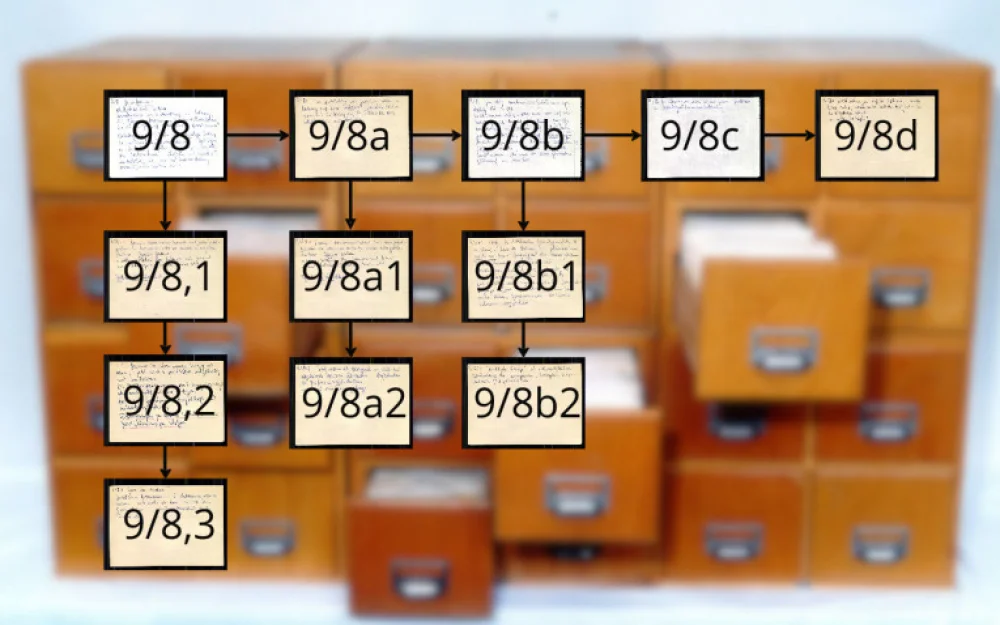
I spent a couple of weeks digging through the original archive of Luhmann before I understood how it was actually structured. Structurally, the archive resembles a table of contents of a book, but with the difference that a note can be inserted anywhere, adding nested chapters.
- 9/8
	- 9/8a
		- 9/8a1
		- 9/8a2
	- 9/8b
		- 9/8b1
Each note served both as a record and a potential folder for child records. In the paper base, this was achieved through a complex numbering system.
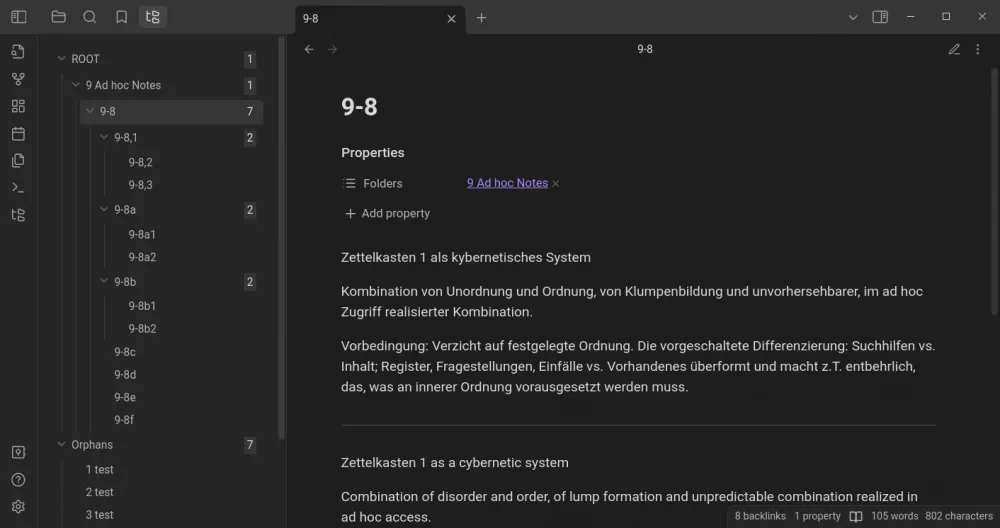
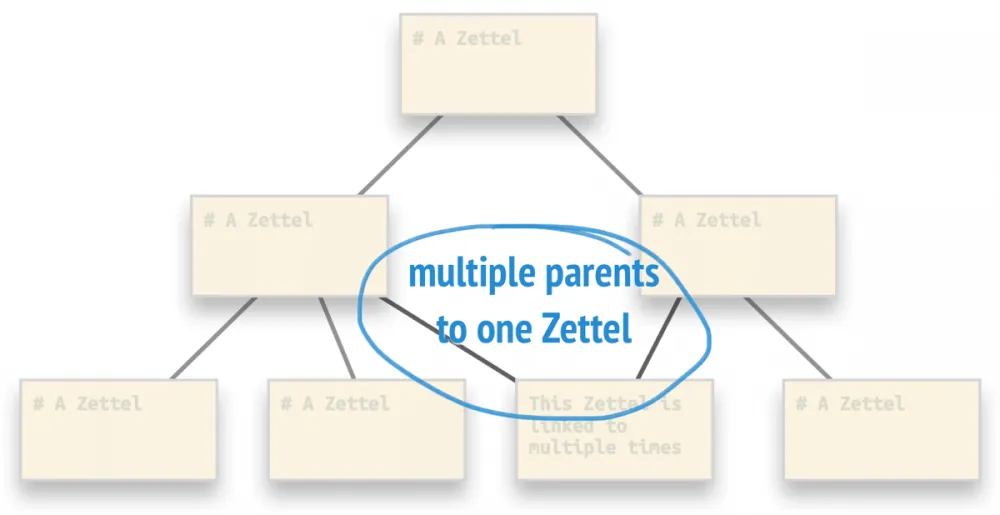
Essentially, this is analogous to a modern file system, including the use of symbolic links. Thus, each note can have multiple "parents."
To implement this in Obsidian, it was necessary to create a custom plugin — VirtFolder.
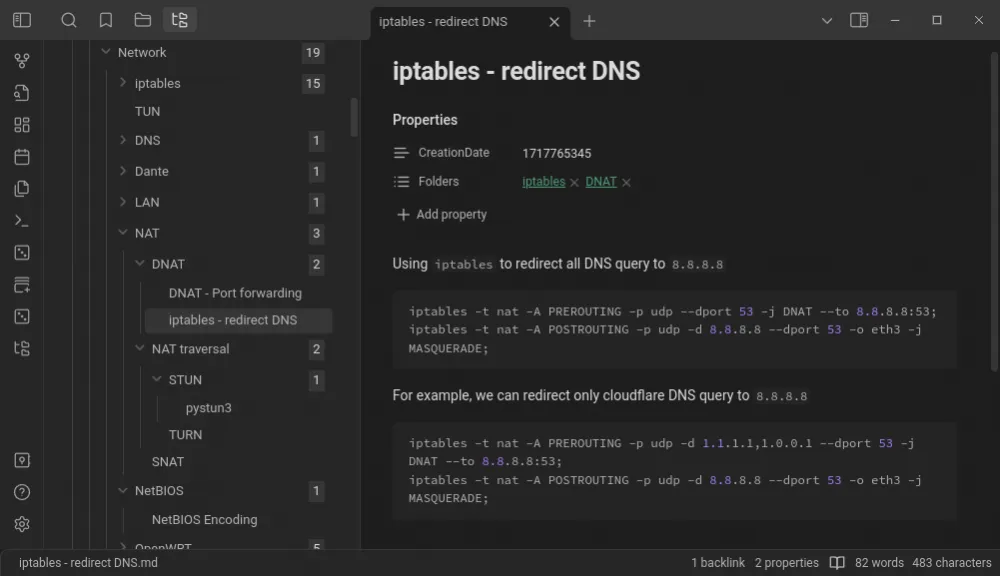
A schematic representation of the same structure can be shown like this:
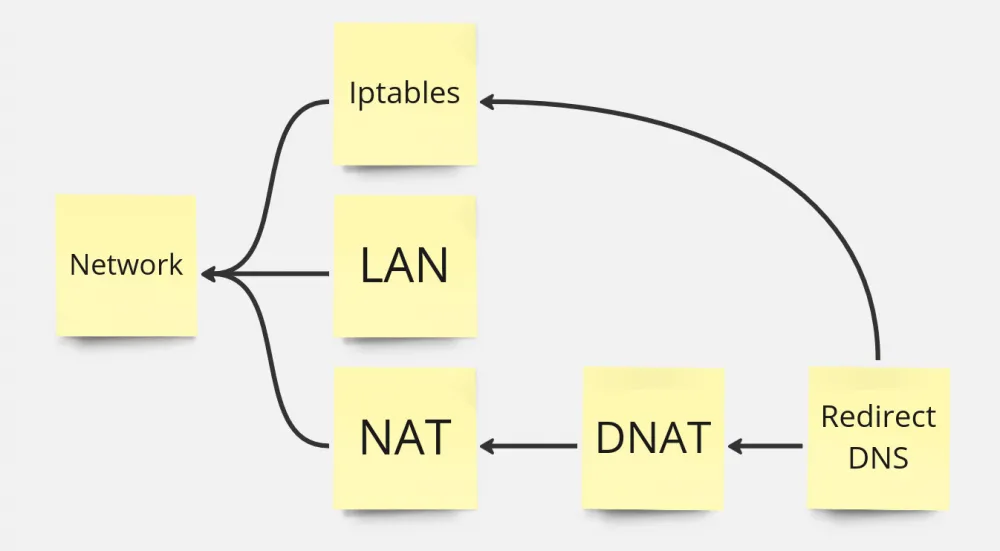
VirtFolder
After installing the plugin from the built-in Obsidian store, we are greeted with a window that says ROOT. You can immediately right-click on it and create a couple of notes. Notes without a parent folder go into a virtual folder called Orphans. Top-level notes (those with children but no parent) are placed in the ROOT folder.
The latest version of the plugin introduced drag-and-drop functionality for notes. The plugin can also be managed entirely via the keyboard. For this, it is necessary to assign hotkeys to all available commands: moving a note to another folder, displaying the open note in the hierarchical tree, and so on.
The physical location of notes on the disk does not matter. The structure relies on metadata in YAML. By default, the Folders field contains a link to the parent entry. The plugin goes through all notes when the application starts, forming an internal database. When adding or deleting a note, the database is updated, and the display is constructed accordingly.
Troubleshooting Naming Issues
Obsidian stores notes as regular Markdown files on the disk. This is convenient when processing them with scripts, but it creates a problem when names collide. For example, I create a note named TODO and attach it to the current project's folder. At some point, I might want to create a note with the same name for another project, but the file TODO.md already exists on the disk! To solve this issue, VirtFolder supports working with the plugins Unique note creator and Front Matter Title.
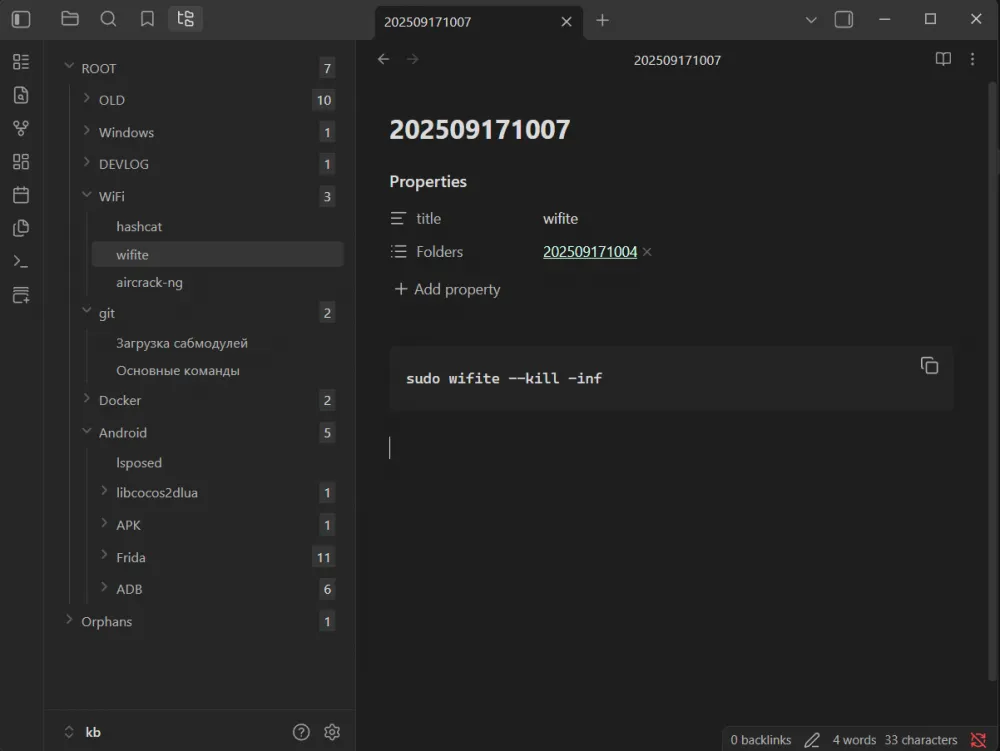
The first allows creating notes with unique names from a template file. It names notes by the time of creation, for example 202602151803.md, which solves the naming collision problem. The second plugin displays the title of the entry from the title field in YAML. In the tree, everything will be displayed without it, but it is more convenient when searching for notes by name works.
Settings
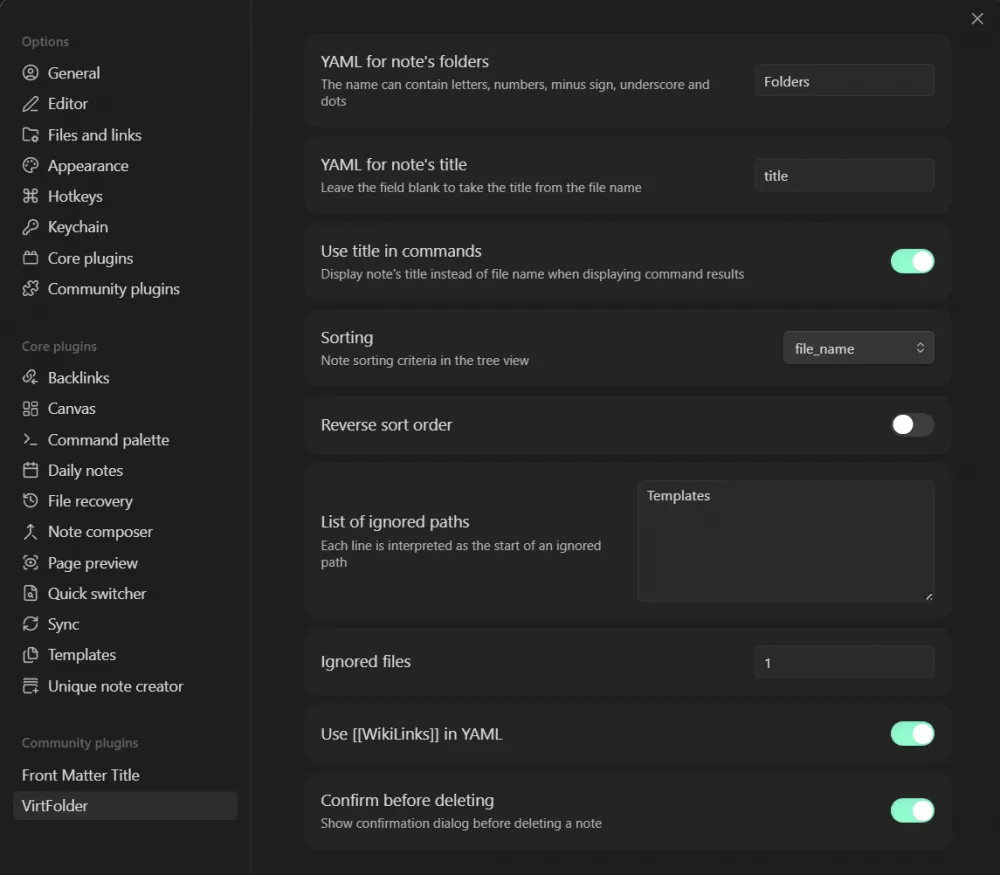
The plugin allows customizing almost everything: field names in YAML in any language, displaying the title by filename or from YAML, sorting order of notes in the folder, ignored folders (notes from which do not enter the general database), link format, and confirmation requests when deleting a file.
Conclusion
The sole purpose of my plugin is to help people like me organize a private knowledge base. I have tried many approaches, but this method finally made the database "work" as promised in the "advertisement" of Zettelkasten.
With other approaches, problems start when the number of notes exceeds a couple of hundred. The VirtFolder structure allows organizing a database of several thousand entries without losing any of them.
I would be happy to hear criticism and suggestions.






Write comment